Free Apple-Device-Support Practice Test Questions and Answers (2026) | Cert Empire Practice Questions

Free preview: 20 questions.

Already purchased? Log in

Apple APPLE DEVICE SUPPORT

View Mode
Q: 1
Which two Continuity features work when a user is signed in with different Apple Accounts on two devices? (Select two.)
Options
Q: 2
A user can’t open an app on their iPhone. Which two methods help them open the app? (Select two.)
Options
Q: 3
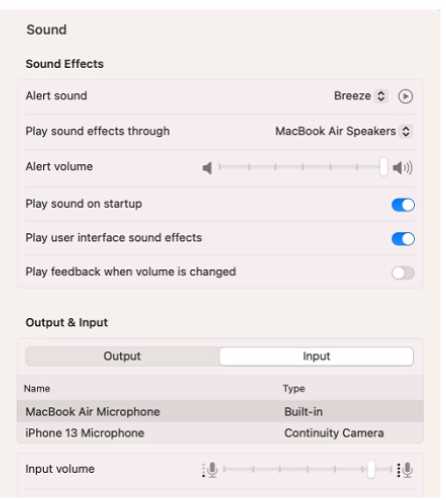
Scenario You're trying to connect a podcasting microphone to your MacBook Air. You're using the Apple USB-C Digital AV Multiport Adapter connected to a standard USB A to B cable that connects to the microphone. You open Sound in System Settings and click the input tab. but the microphone doesn't appear in the sound input device list. Apple APPLE DEVICE SUPPORT question What should you use to verify that your Mac has successfully connected to the microphone?
Options
Q: 4
Why doesn’t the latest iOS release appear in Settings > General > Software Update on an iPhone?
Options
Q: 5
ACME, Inc. wants all users to see mounted servers in the Finder by default. Which terminal command should you use to modify the Finder preferences to display mounted servers?
Options
Q: 6
Which Wi-Fi authentication settings does Apple recommend for better security for Wi-Fi routers and access points?
Options
Q: 7
ACME, Inc. allows users to lock sensitive and private notes they keep on their iPad devices. Select two responses. Which two authentication methods can they use to lock a note in the Notes app?
Options
Q: 8
Which two data types can be included only when you create an encrypted iPhone backup to a Mac? (Select two.)
Options
Q: 9
Which device can you use to unlock your Mac computer's screen saver and approve authentication requests from macOS and other apps?
Options
Q: 10
Scenario You would like to access files stored in iCIoud Drive on your Windows PC at work. What should you do to access these files on your PC?
Options
Q: 11
HOTSPOT Where can you enable the FileVault key on MacOS? Apple APPLE DEVICE SUPPORT question
Your Answer
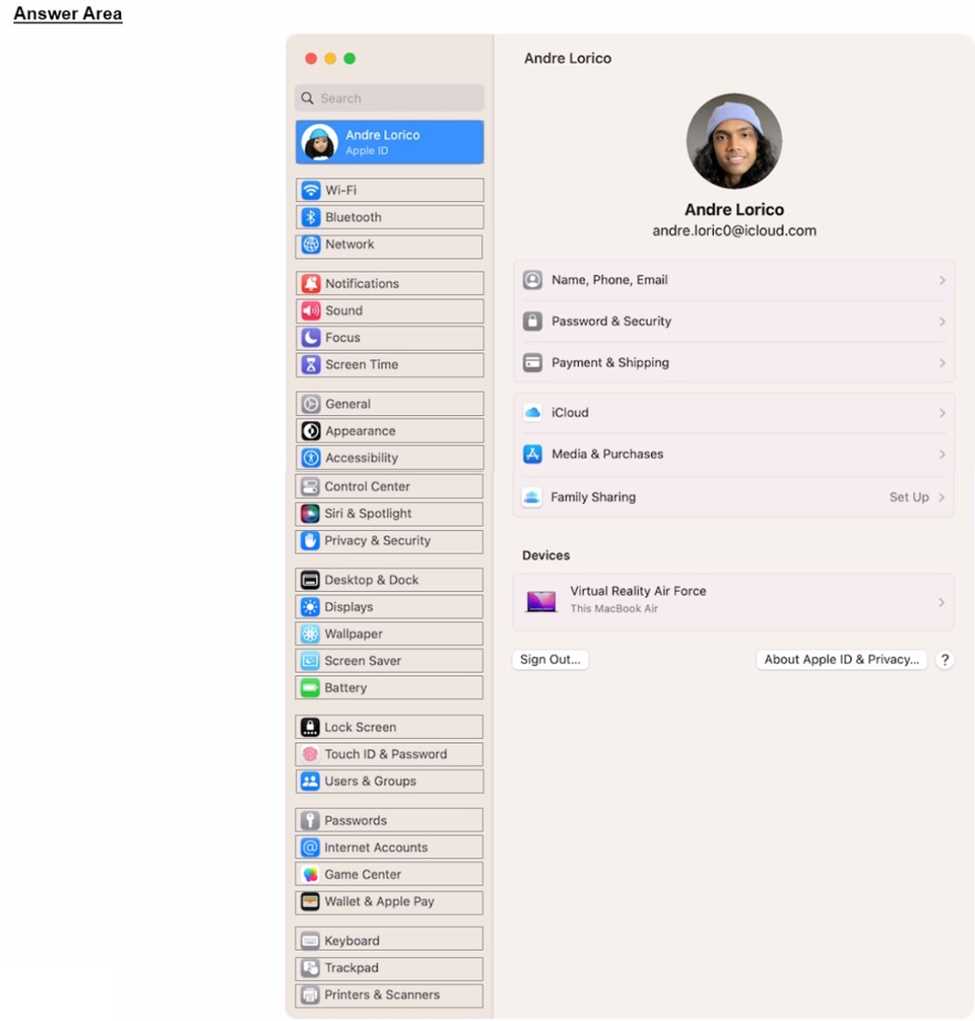
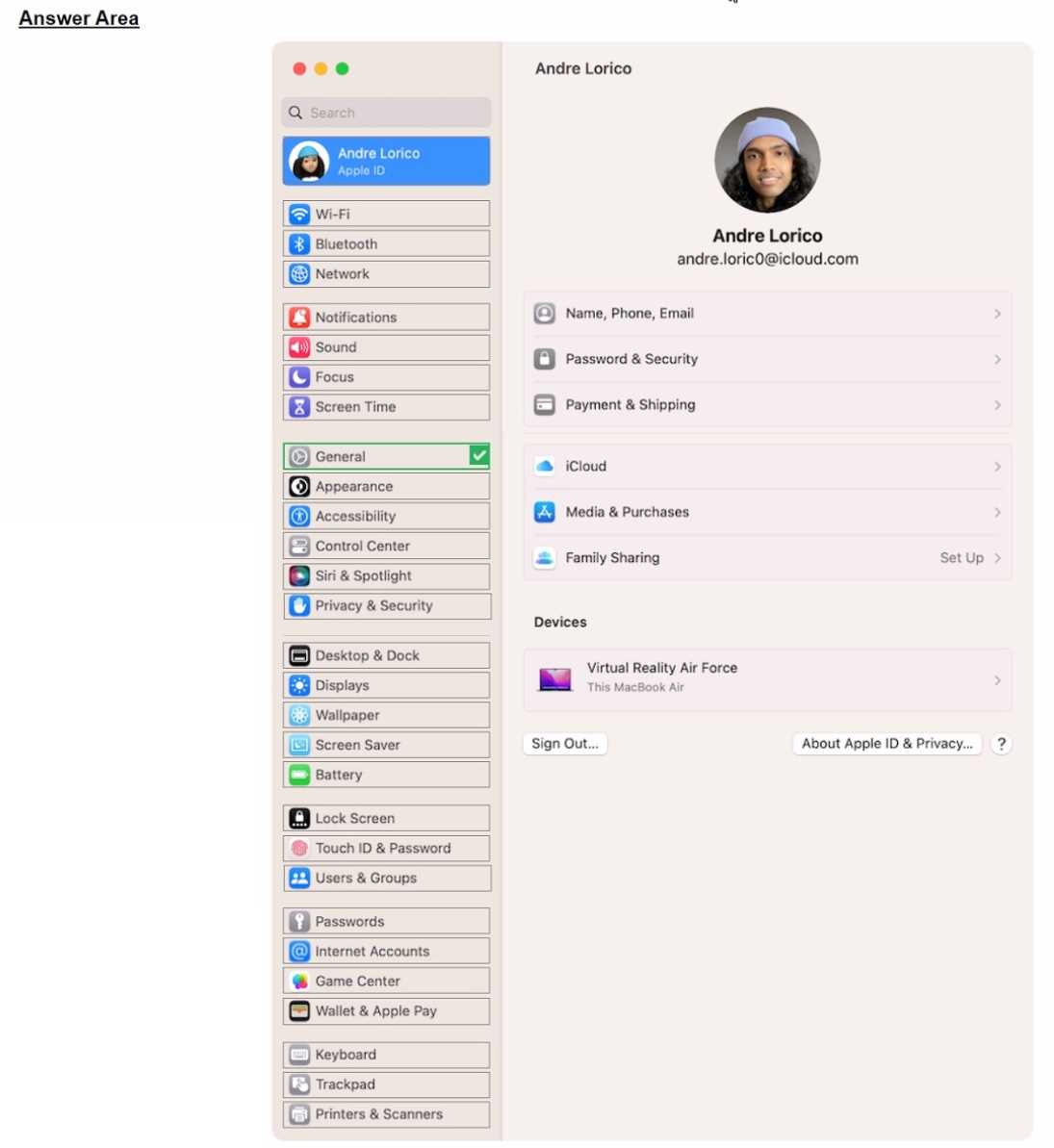
Q: 12
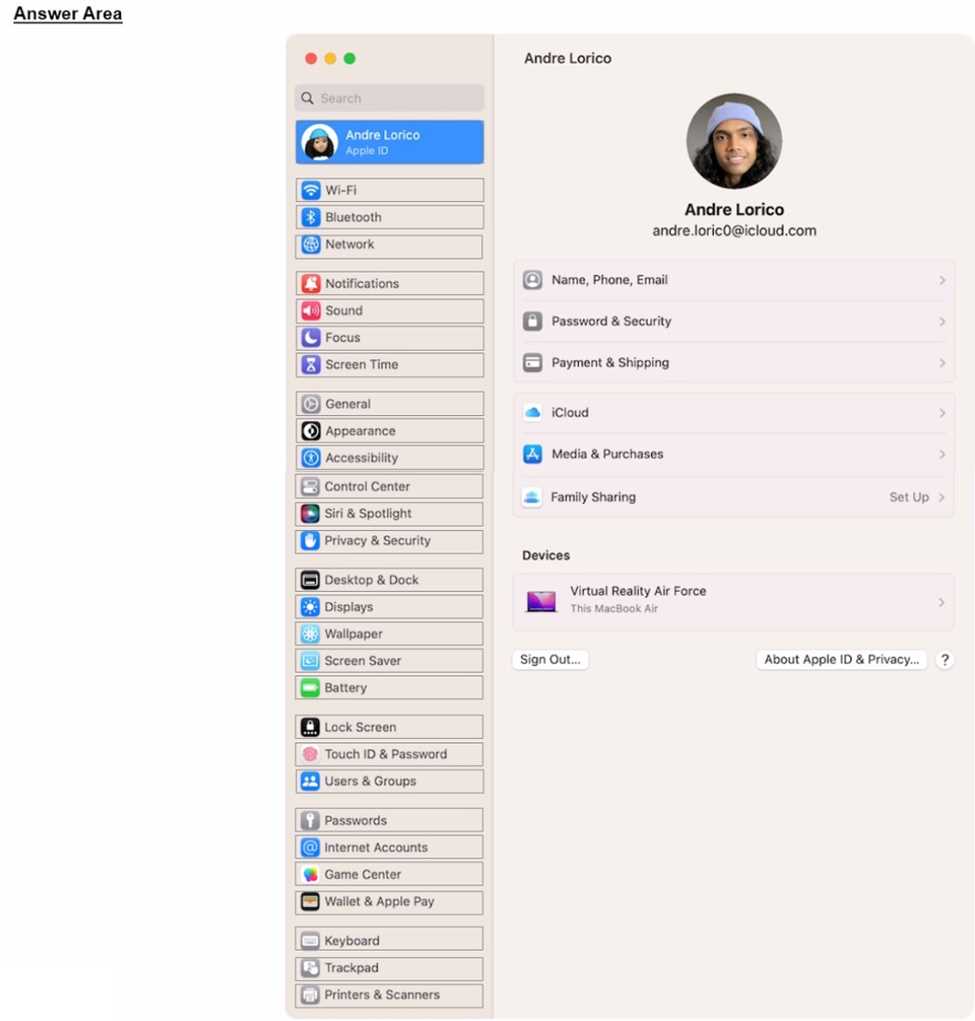
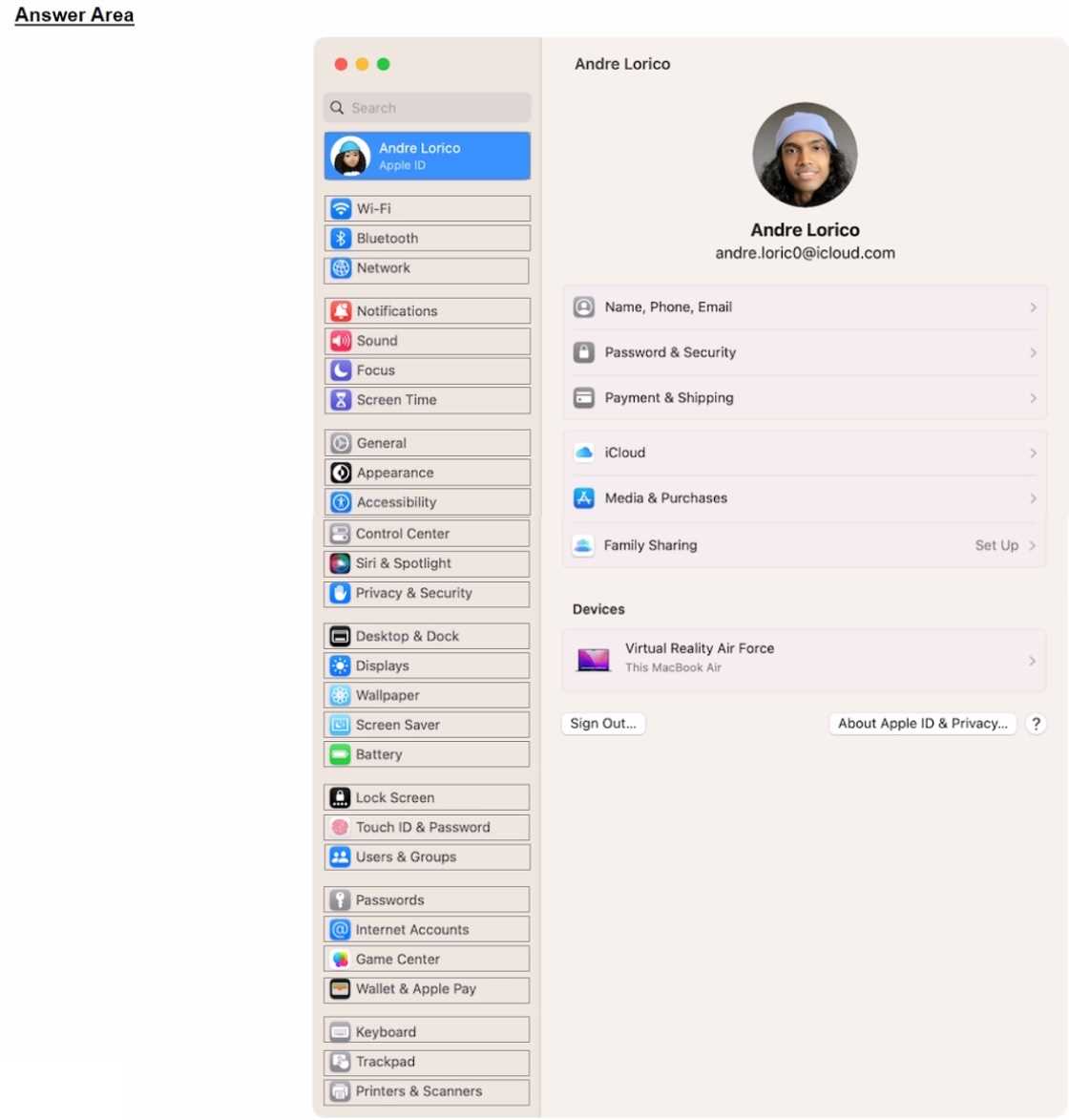
HOTSPOT Select the setting in the sidebar that you should use to automatically keep your Mac up to date. Apple APPLE DEVICE SUPPORT question
Your Answer
Q: 13
HOTSPOT Scenario: Ozzy contacted you about issues obtaining 5G service on his iPhone. You confirmed that his device is compatible with the carrier's 5G service, in a coverage area, and using the latest version of iOS. The carrier's support website indicates that a carrier settings update is needed to fully support its 5G service. Where in Settings should you go to manually check for carrier settings updates on iPhone? Apple APPLE DEVICE SUPPORT question
Your Answer
Q: 14

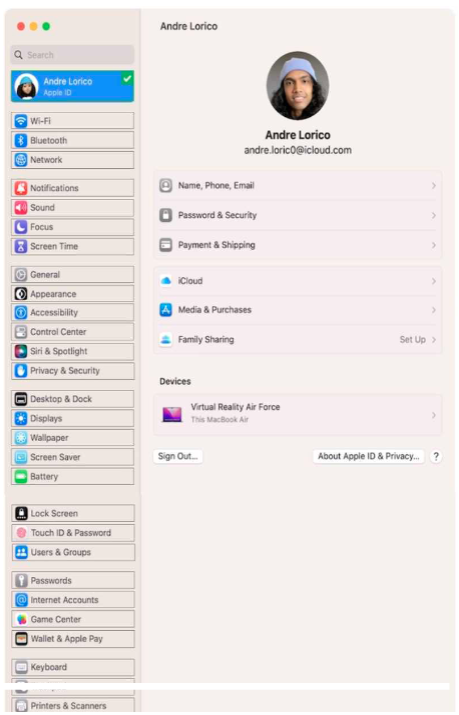
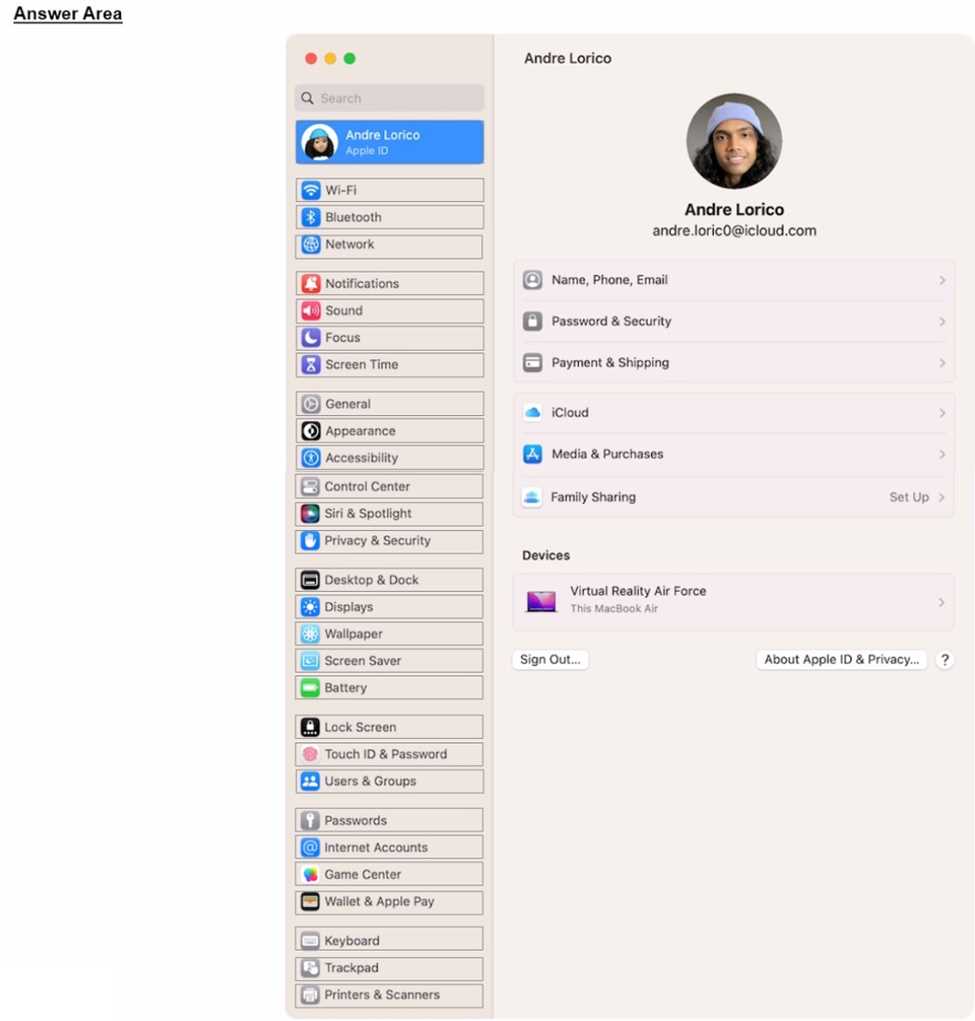
HOTSPOT Select the setting in the sidebar that you should use to turn on Find My on your Mac.

.

Your Answer
Q: 15
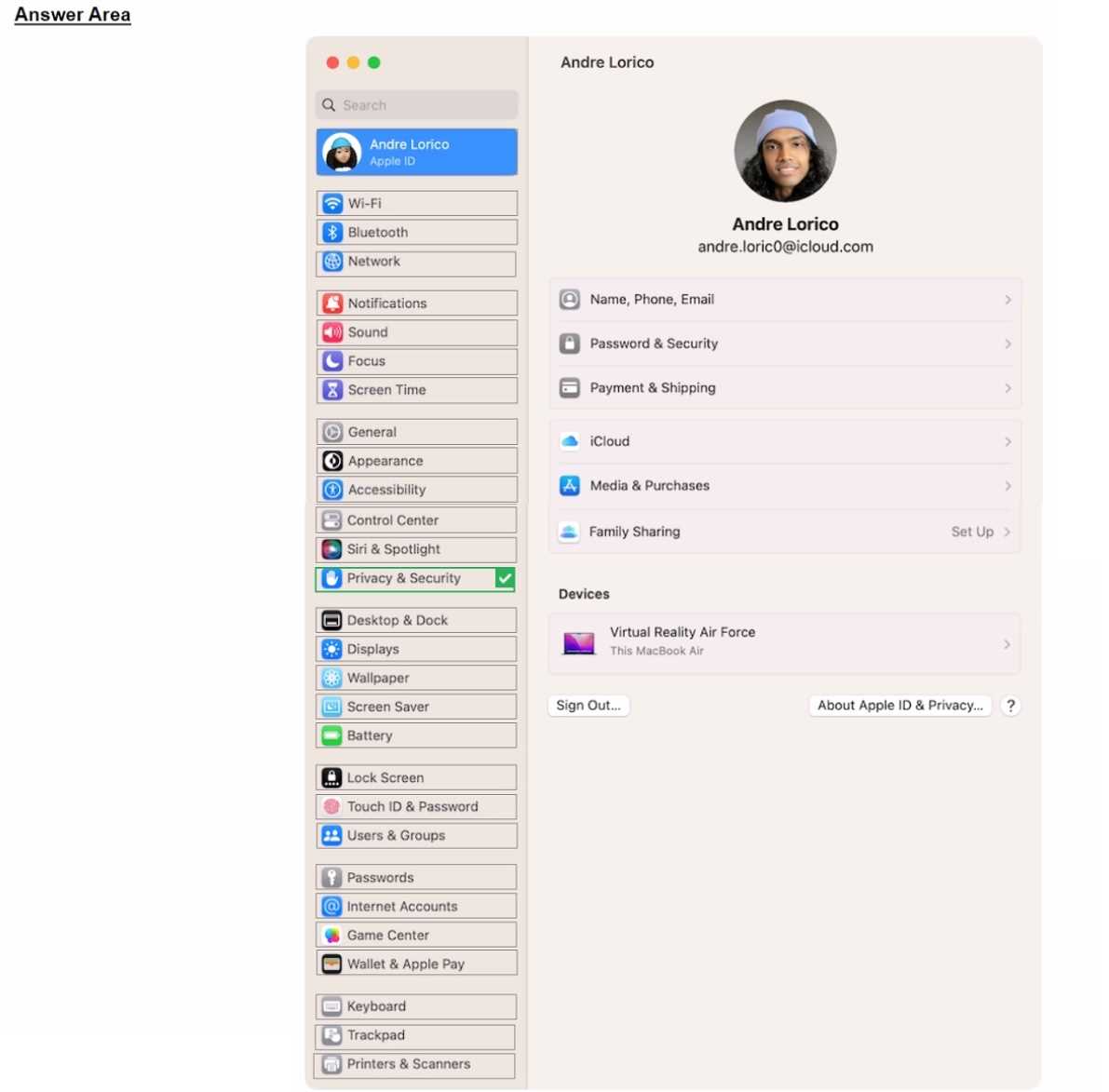
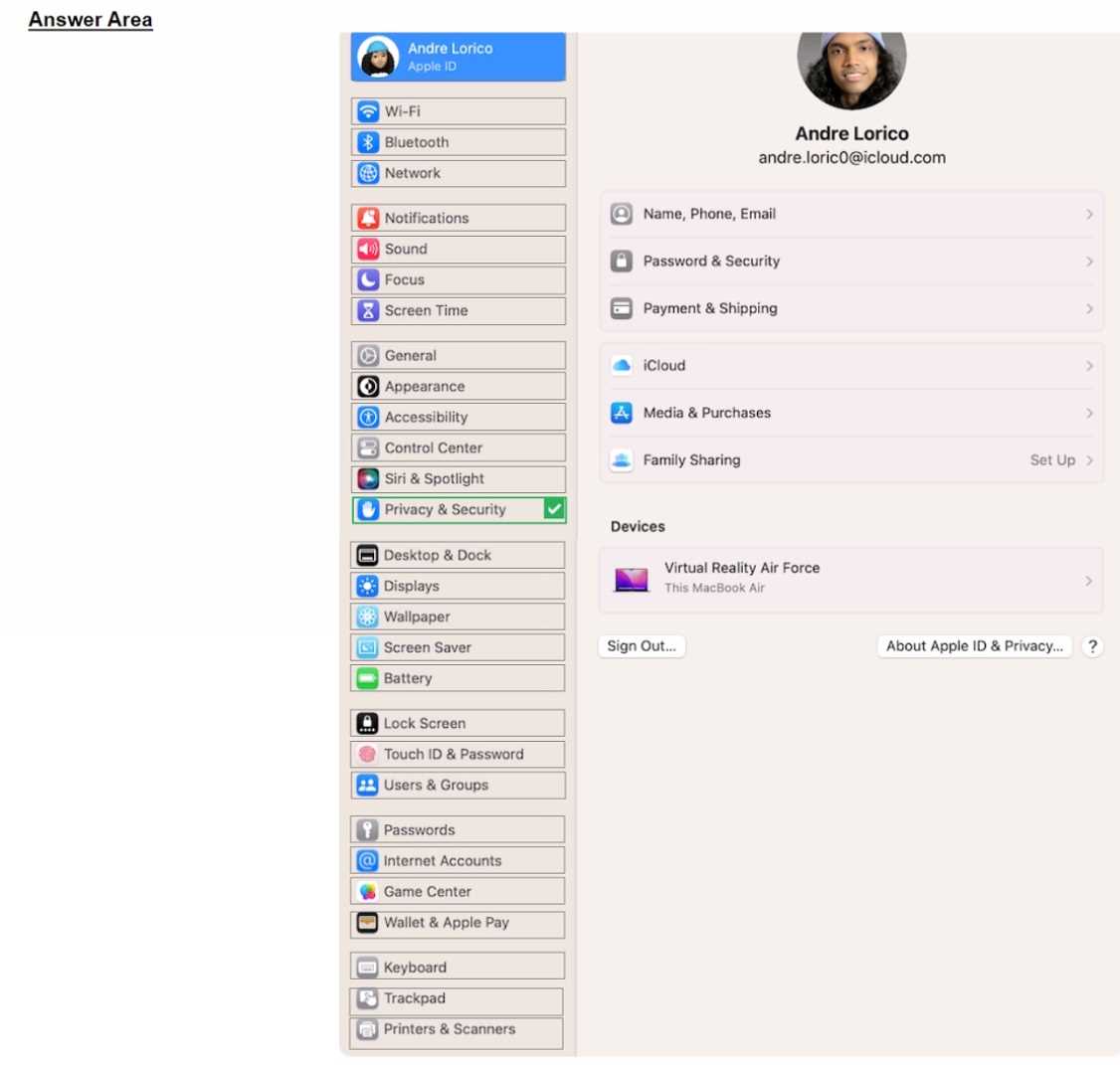
HOTSPOT Select the setting in the sidebar that you should use to turn on Lockdown Mode. Apple APPLE DEVICE SUPPORT question
Your Answer
Q: 16
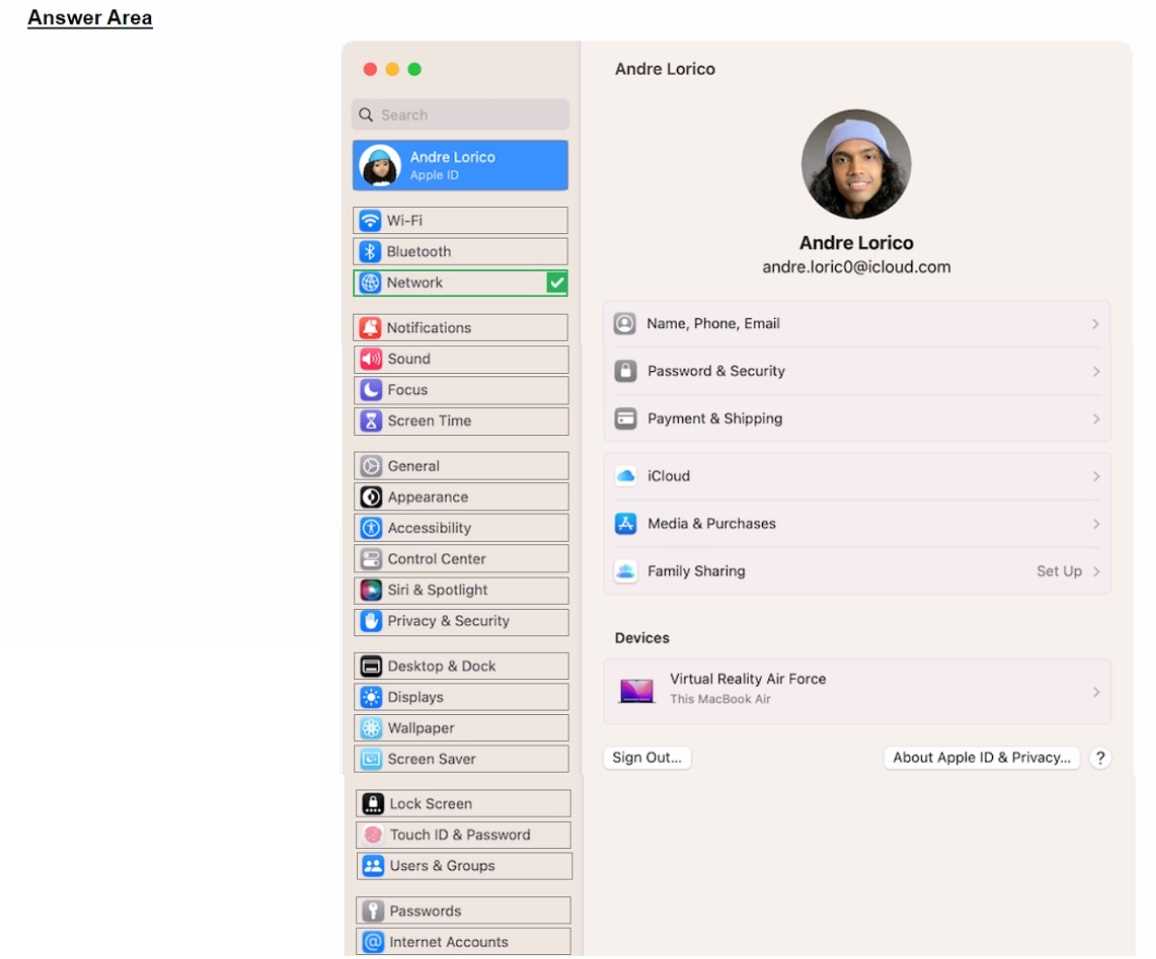
HOTSPOT Select the setting in the sidebar that you should you use to copy the password of a known Wi-Fi network. Apple APPLE DEVICE SUPPORT question
Your Answer
Q: 17
HOTSPOT Where can you add a VPN configuration in macOS? Apple APPLE DEVICE SUPPORT question
Your Answer
Q: 18
HOTSPOT Select the setting in the sidebar that you should use to turn on FileVault. Apple APPLE DEVICE SUPPORT question
Your Answer
Q: 19
HOTSPOT Scenario Andre created a Keynote presentation on his iPad that he wants to access on the desktop of his MacBook Air. Select the setting in the sidebar that Andre should turn on to access iCIoud Drive on his Mac. Apple APPLE DEVICE SUPPORT question
Your Answer
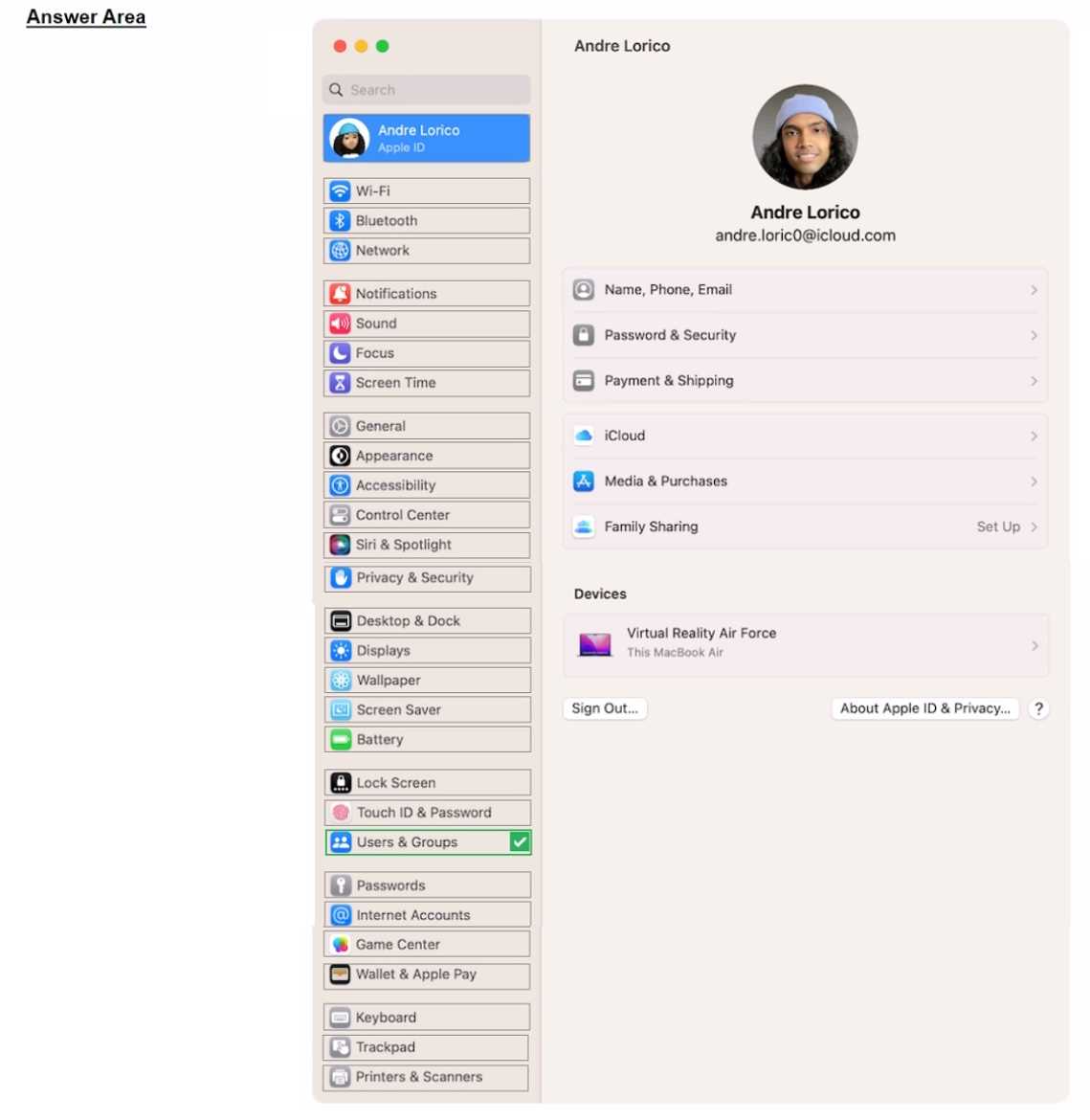
Q: 20
HOTSPOT Select the setting in the sidebar that you should use to delete a user on your Mac. Apple APPLE DEVICE SUPPORT question
Your Answer
Question 1 of 20

Premium Access Includes

  • Quiz Simulator
  • Exam Mode
  • Progress Tracking
  • Question Saving
  • Flash Cards
  • Drag & Drops
  • 3 Months Access
  • PDF Downloads
Get Premium Access
Scroll to Top

FLASH OFFER

Days
Hours
Minutes
Seconds

avail 10% DISCOUNT on YOUR PURCHASE