
Q: 13
DRAG DROP You develop a desktop flow for a company. You need to ensure that another user can modify the flow. Which three actions should you perform in sequence? To answer, move the appropriate actions from the order. 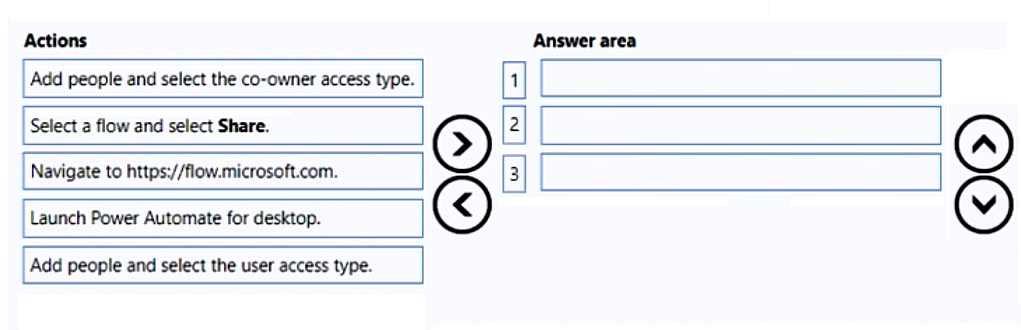
Drag & Drop
Discussion
Navigate to flow.microsoft.com → Select a flow and select Share → Add people and select the co-owner access type. Had something like this in a mock, looked the same.
Launch Power Automate for desktop → Select a flow and select Share → Add people and select the user access type. I think this matches how you grant others access on desktop flows, since launching PAD is usually first. Not totally sure about "user" vs "co-owner"-the wording is confusing. Agree?
Nice and clear drag-and-drop. I'd go with: Launch Power Automate for desktop, Select a flow and select Share, then Add people and select the user access type. Pretty sure that's the right sequence for sharing flows so they can be edited.
Be respectful. No spam.