
HOTSPOT - You have a Microsoft 365 subscription. You need to enable passwordless authentication for all users. The solution must meet the following requirements: Users in the research department cannot use mobile devices and must authenticate from unmanaged Linux devices by using an alternative method. To access services, users in the sales department must authenticate by using their mobile phone. Administrative effort must be minimized. Which authentication method should you use for each department? To answer, select the appropriate options in the answer area. 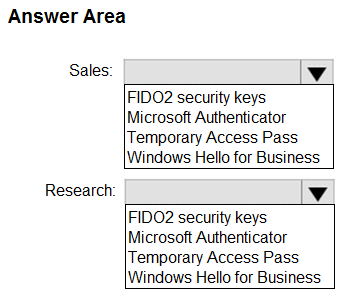
Required to user group for App1, Available to user group for App2. With required, the app auto-installs on every device the marketing user enrolls. For App2, available means HR users can install it from Company Portal on personal devices. Pretty sure this matches the scenario but happy if someone spots something I missed.
