Q: 11
DRAG DROP
Order the NDU operational steps.

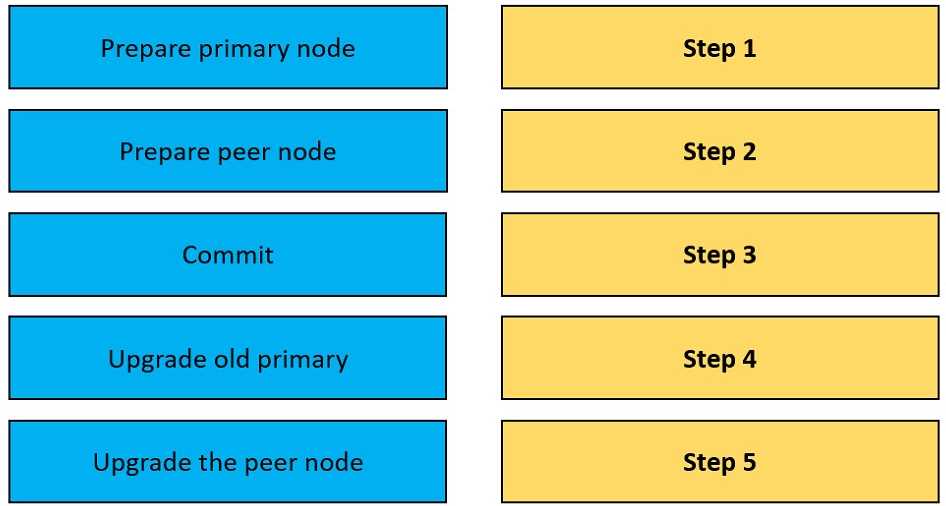
Your Answer
Discussion
Pre-checks, health check, initiate NDU, monitor progress, validate completion. Had something like this in a mock exam and this sequence matched.
Pre-checks → health check → initiate NDU → monitor progress → validate completion is the right order. Some might swap pre-checks and health check but that’s a common trap. Pretty sure this matches the official docs.
Pre-checks → health check → initiate NDU → monitor progress → validate completion. I don't think "validate" should come earlier, since you need to confirm before closing out. Seen some people mix up the pre-checks and health check. Makes sense?
I think it's health check first, then pre-checks, initiate NDU, validate completion, and monitor progress at the end. Pretty sure that's how I've seen it in a few guides but could be misremembering where monitoring fits. Let me know if that order looks off to anyone.
Be respectful. No spam.