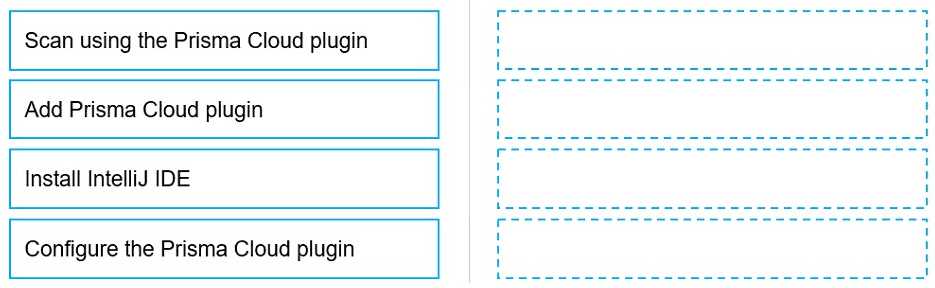
The operational sequence for utilizing security plugins within an Integrated Development Environment (IDE) follows a strict logical deployment path. First, the foundational host environment must be present, requiring the installation of the IntelliJ IDE. Next, the Prisma Cloud extension must be added to the IDE via the plugin marketplace. Before the plugin can evaluate code, it must be configured; this step involves establishing an authenticated connection by inputting the Prisma Cloud Access Key and Secret Key to communicate with the Prisma Cloud tenant. Only after the foundational IDE is installed, the plugin added, and the backend authentication configured, can a user successfully execute a scan using the Prisma Cloud plugin to identify vulnerabilities in their codebase.