Q: 11
A customer is able to print most documents with their USB inkjet printer, but the system is
unresponsive when printing a certain report from a custom application. Nothing will print until the
computer is restarted and the printer is power cycled. A technician remotes into the PC and confirms
that the spooler stops working when this report is sent. After cleaning the spooler and reinstalling
the drivers from the manufacturer's website, the issue persists. No other sites using the application
report similar issues. Which of the following is most likely causing the issue?
Options
Discussion
Its B, practice questions and official study guide both hit on this type of app-specific print issue.
Man, these custom app bugs are the worst. B imo
But why not C? A print language mismatch could still break certain custom reports, feels like a valid trap here.
Clear question and scenario. I’d say C since switching print languages (PCL vs PostScript) can cause issues with print jobs, especially from custom apps. But not totally sure here, open to other takes.
Be respectful. No spam.
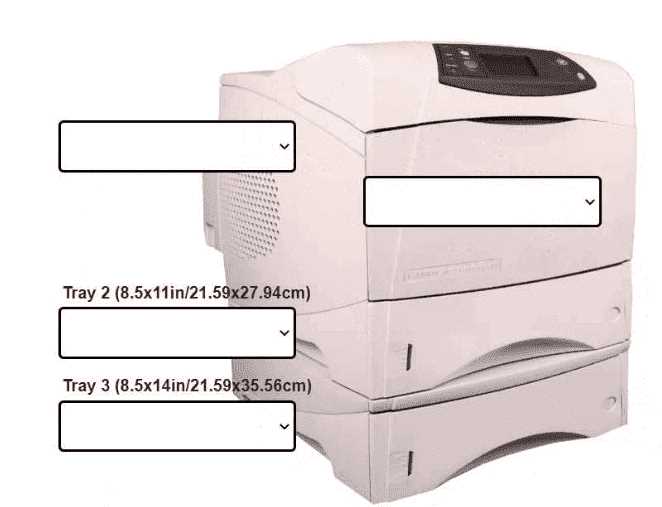
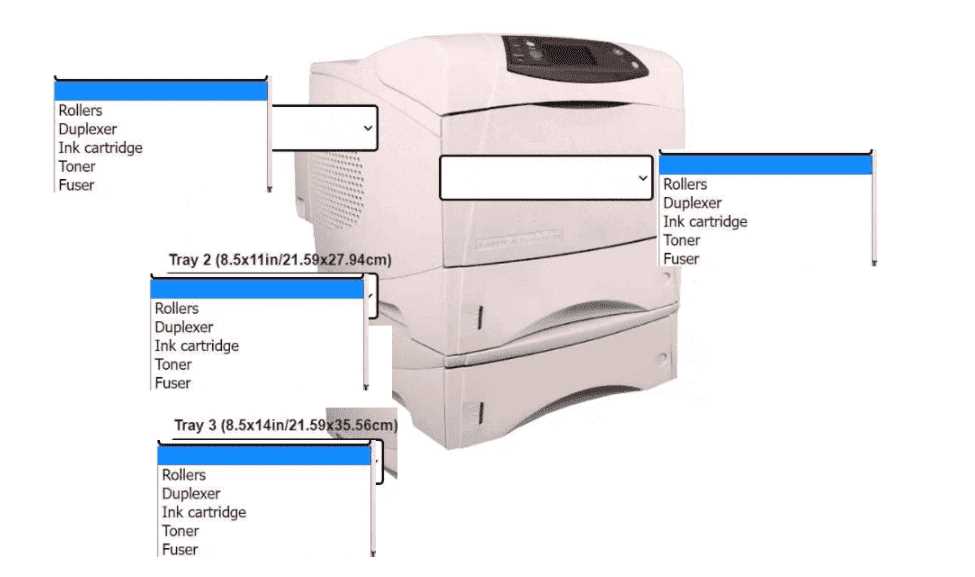 INSTRUCTIONS Using the dropdown menus, select from the available printer parts to replace only the faulty components on the office printer to resolve the stated issues. If at any time you would like to bring back the initial state of the simulation, please click the Reset All button.