
Q: 20
HOTSPOT A technician is diagnosing several device issues reported by employees. INSTRUCTIONS Click on each device to review the issue. Then select the appropriate issue and solution from the drop-down menu. Each option may be used more than once. 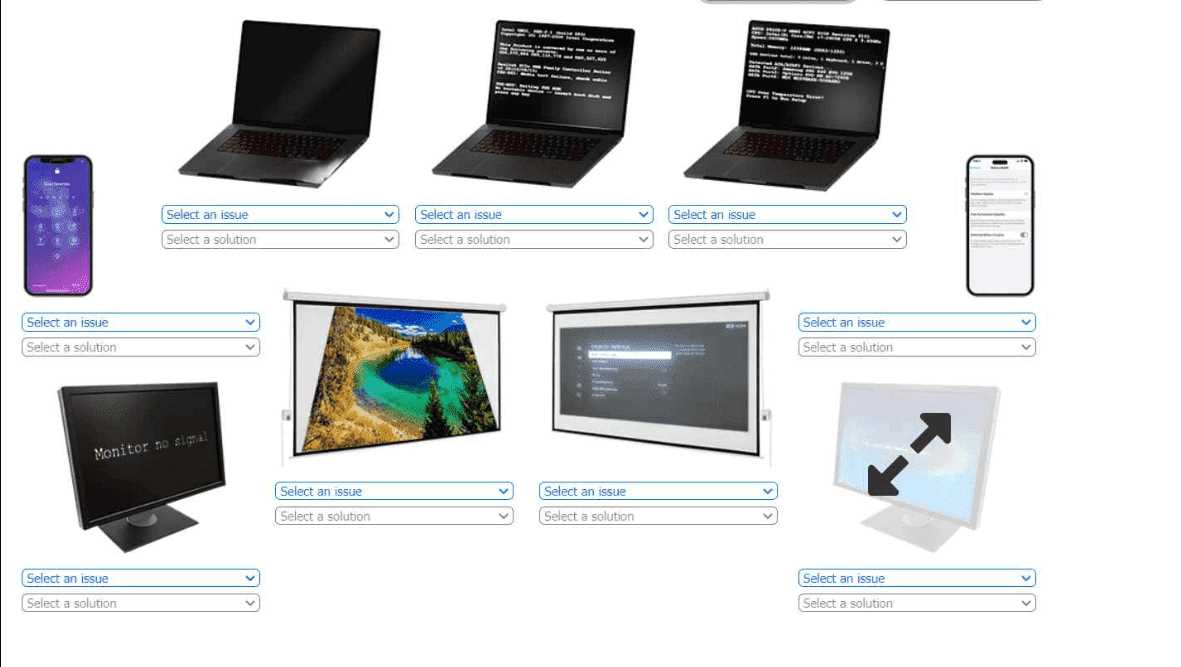
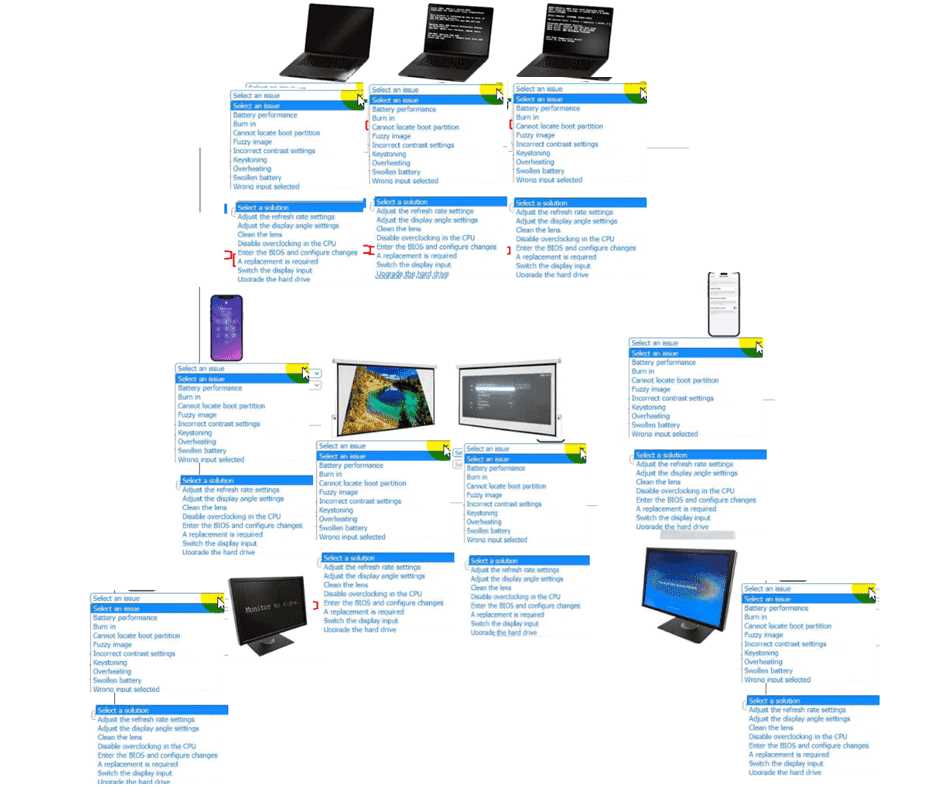
Your Answer
Discussion
Yeah, it's all about the actual hardware issue for each device here. Swollen battery or overheating means replacement, post screen problems point to disabling overclocking, and no signal on monitor is usually wrong input selected. That matches what I'd expect from A+ stuff.
Nah, calibration won't fix the black screen if the laptop's battery is dead. The dropdowns want the root issue (like failed battery), not just a quick fix. Pretty sure it's replace the battery here since that's standard CompTIA troubleshooting.
Battery needs calibration for the laptop with the black screen.
Is it asking for the issue as it appears on-screen or the root cause only? That could flip some choices.
Be respectful. No spam.
