
Q: 16
SIMULATION
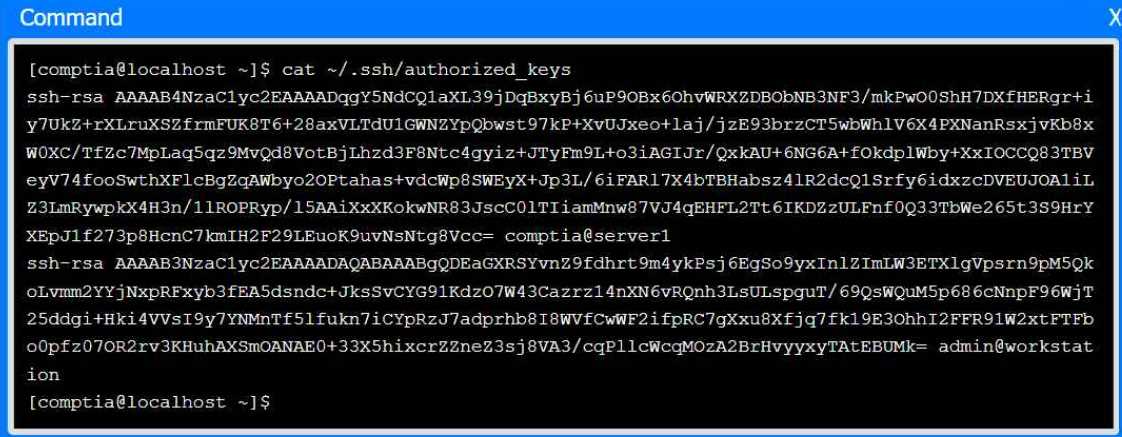
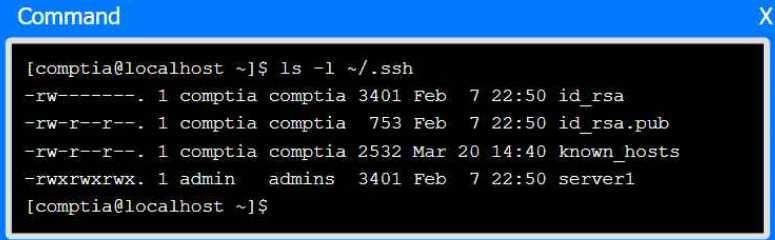
A senior administrator has placed a private key for user admin in your home directory.
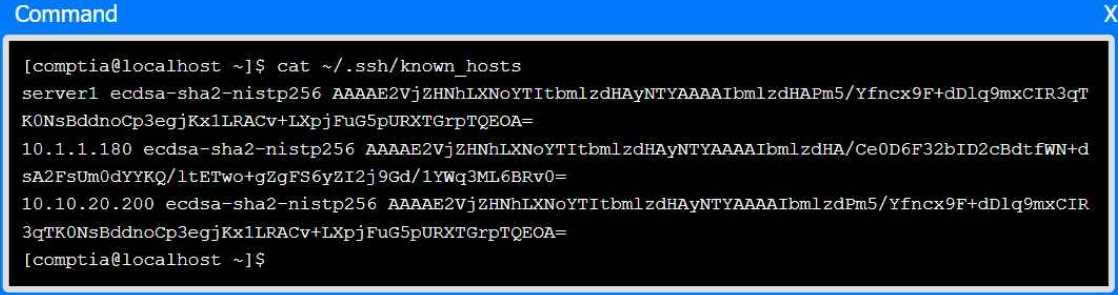
The server you need to remotely access is server1 and SSH is listening on port 2222.
INSTRUCTIONS
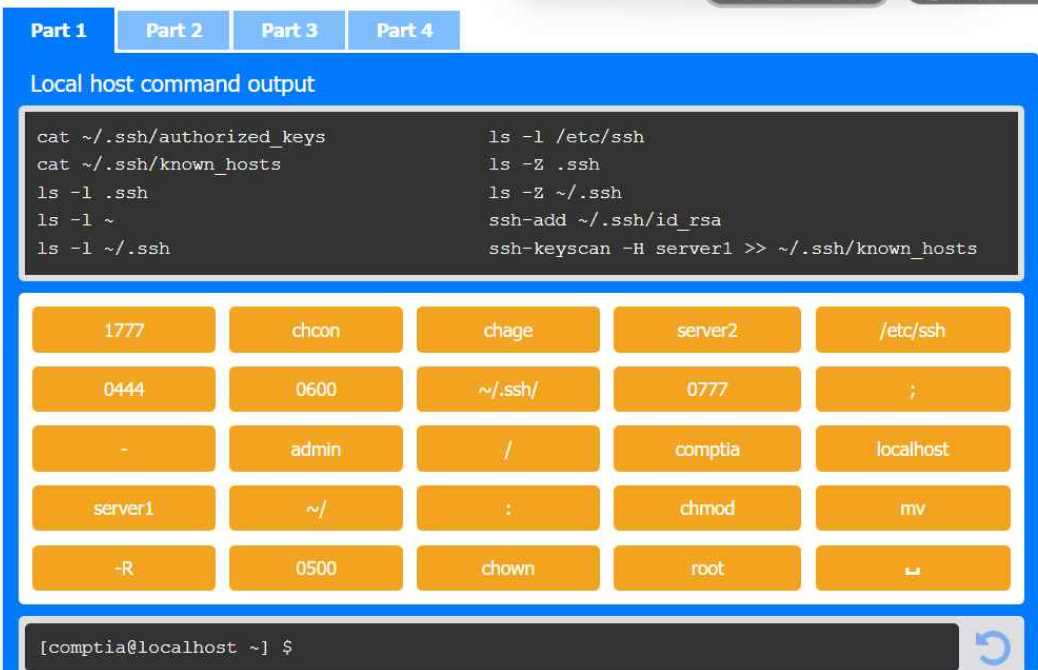
Part 1
Review the command output and build the correct command to place the private key
into your SSH folder.
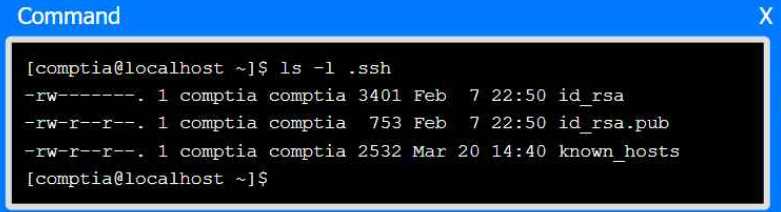
Part 2
Review the command output and build the correct command to set the file
permissions.
Part 3
Review the command output and build the correct command to set the correct
ownership.
In each part, click on objects to build a complete command. Command objects may
be used more than once, but not all will be used. Use _ as the spacebar. Click the
arrow to remove any unwanted objects from your command.
Part 4
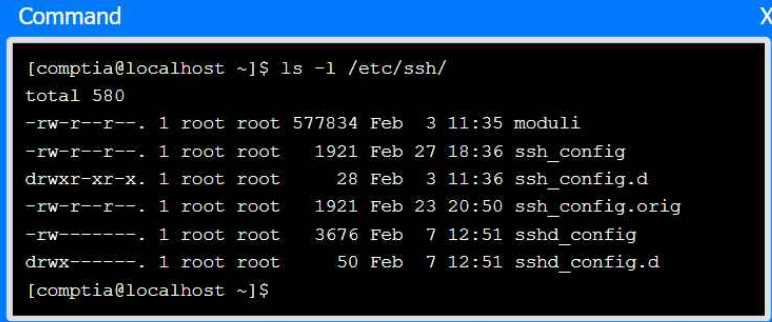
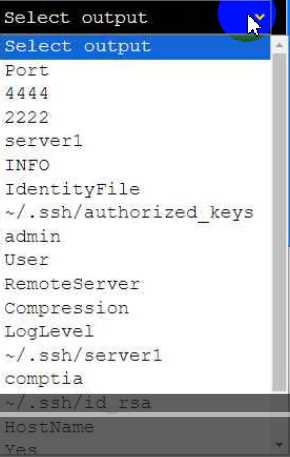
Select the proper file to edit for remote server access. Then, build the correct
configuration output based on the server name, ports, and files.



Your Answer
Discussion
For SSH client-side config, you're supposed to edit
~/.ssh/config. authorized_keys is only for listing allowed public keys on the server. Pretty sure that's what they're testing here but let me know if anyone disagrees.Which file should be edited for SSH config? .ssh/config or authorized_keys?
Definitely ~/.ssh/config here. That's where you set up client-side connection settings like Host, Port, IdentityFile, etc. authorized_keys is server-side only for key-based login. Pretty sure the question's aiming for the client config angle, but open to other takes if I'm missing something.
Definitely ~/.ssh/config for this one. That’s the standard way to specify which key, port, and user to use when connecting as a client. authorized_keys is just for server-side logins, not for making outbound connections. Pretty sure that's what’s needed here but feel free to push back if you see it differently.
Yeah, agreed with the previous take.
~/.ssh/config is the right file to edit for client configuration, not authorized_keys.Be respectful. No spam.
