
DRAG DROP You are designing automation processes. You need to configure the run mode for each automation scenario. Which run modes should you use? To answer, drag the appropriate run modes to the correct scenarios. Each run mode may be used once, more than once, or not at all. You may need to drag the split bar between panes or scroll to view content. NOTE: Each correct selection is worth one point. 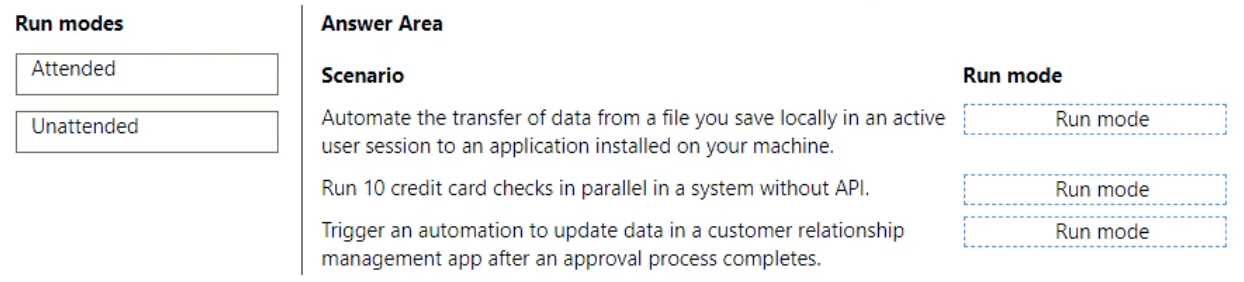
I'm pretty sure it's Attended for the local file transfer (since it says "active user session"), and Unattended for both the parallel card checks and CRM update. Parallel/background jobs and automated triggers don't need user presence, so Unattended fits. The trick is not getting thrown off by thinking the card checks need user involvement. Anyone see it another way?
- Automate data transfer (active session) → Attended
- Credit card checks parallel → Unattended
- CRM update after approval → Unattended
Automate data transfer (active session) → Attended, credit card checks parallel & CRM update after approval → Unattended.
Pretty sure that's right since "active user session" points to Attended, but running batches and event-driven updates are classic Unattended use cases. Let me know if you see another logic path, but this matches how I’ve seen it in documentation.
I paired "Attended" with the parallel credit card checks since it feels like something an end user might launch. I might be off here, but the wording about "active user session" wasn't clear to me for each. Push back if you see it differently!
