Microsoft Learn - Power Apps Documentation
Article: "Create a site map for a model-driven app using the site map designer"
Section: "Add components to the site map"
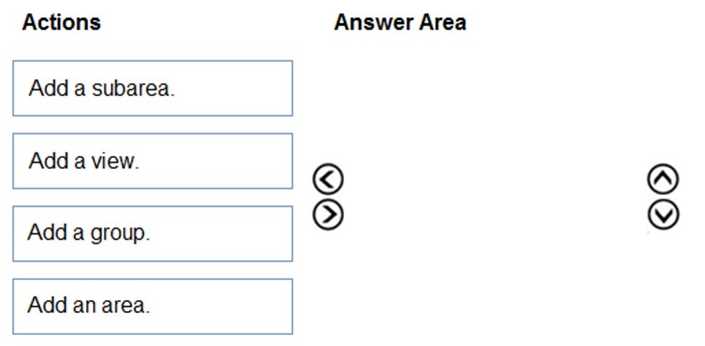
Relevance: This documentation explicitly outlines the components of a site map. It defines the structure as: "Area: The top-level navigation...", "Group: A heading under an area...", and "Subarea: A link under a group...". It confirms that these are the three essential components required to build the navigation structure.
Source: https://learn.microsoft.com/en-us/power-apps/maker/model-driven-apps/create-site-map-app
Microsoft Learn - Power Apps Documentation
Article: "Understanding model-driven app components"
Section: "Navigation"
Relevance: Confirms that "Site maps define the navigation for your app" and that the hierarchy consists of Area, Group, and Subarea, distinct from data components like Views.
Source: https://learn.microsoft.com/en-us/power-apps/maker/model-driven-apps/model-driven-app-components