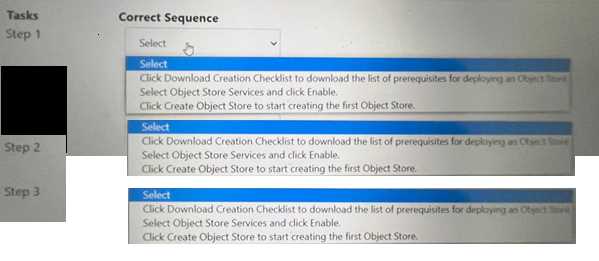
The correct task order for creating an object store is:
Select ObjectStore Service and click Enable
Click Create Object Store to start creating the first Object store
Click Download Creation Checklist to download the list of prerequisites for deploying an Object store
The first step is to enable the ObjectStore Service, which is a service that allows users to create and
manage object storage clusters on a Nutanix cluster. The second step is to create an Object store,
which is an object storage cluster that provides S3-compatible access to buckets and objects for
various applications and users. The third step is to download the Creation Checklist, which is a
document that lists the prerequisites and configurations that are required for deploying an Object
store, such as cluster details, network details, storage details, etc. The administrator should review
and complete the Creation Checklist before proceeding with the deployment of the Object store.
Thank you for your visit.