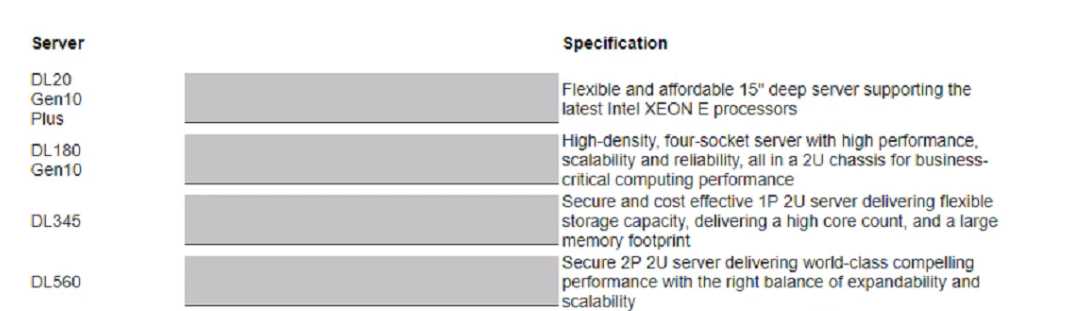
HPE ProLiant DL20 Gen10 Plus Server - QuickSpecs
Reference: Overview section stating, "The HPE ProLiant DL20 Gen10 Plus server delivers a compact, versatile server... 15.05 inch depth chassis."
HPE ProLiant DL560 Gen10 Server - QuickSpecs
Reference: Standard Features section describing it as a "High-density, 4-socket server with high performance... all in a 2U chassis."
HPE ProLiant DL345 Gen10 Plus Server - QuickSpecs
Reference: Product overview describing it as a "Single socket 2U server... providing a high core count and large memory footprint."
HPE ProLiant DL180 Gen10 Server - Data Sheet
Reference: "Adaptable for diverse workloads... the secure 2P 2U HPE ProLiant DL180 Gen10 delivers world-class compelling performance..." (Document ID: a00021862enw).

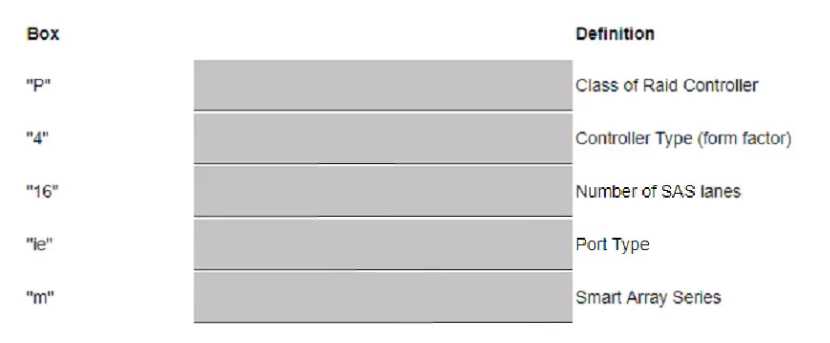
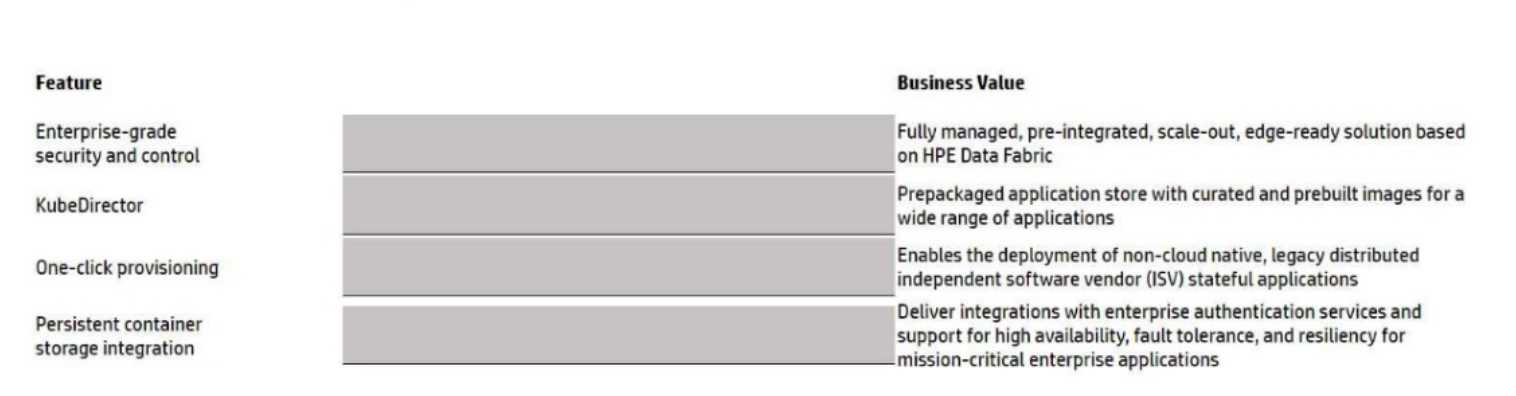
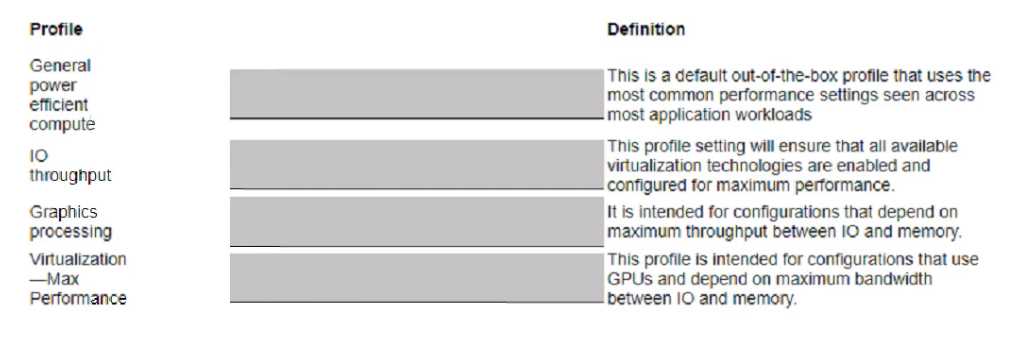
 Match the definition to each colored boxed acronym from the image.