
Q: 1
Refer to the exhibits. 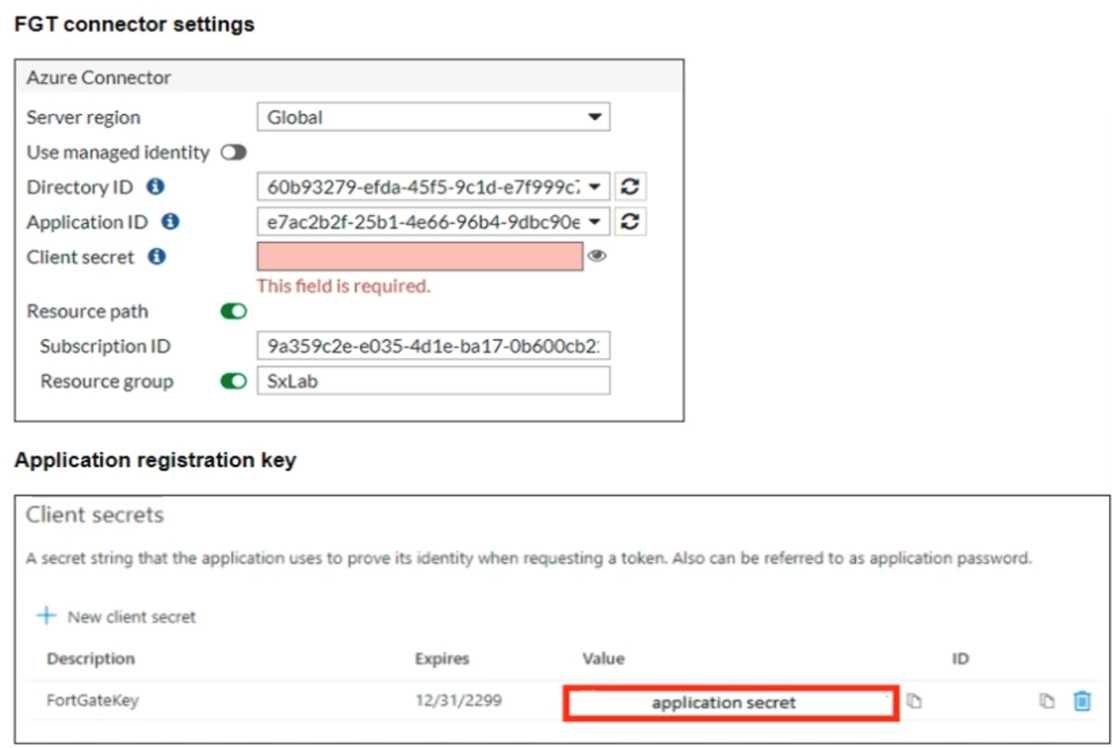 You are configuring an SDN connector for Azure on a FortiGate device You completed all the required steps on the Azure side. While configuring the FortiGate side, you notice that you did not save the client secret used in the Azure App Registration. What is the quickest way to obtain the value of the client secret?
Options
Discussion
No comments yet. Be the first to comment.
Be respectful. No spam.
