
DRAG DROP You have SQL Server 2019 on an Azure virtual machine that contains an SSISDB database. A recent failure causes the master database to be lost. You discover that all Microsoft SQL Server integration Services (SSIS) packages fail to run on the virtual machine. Which four actions should you perform in sequence to resolve the issue? To answer, move the appropriate actions from the list of actions to the answer area and arrange them in the correct. 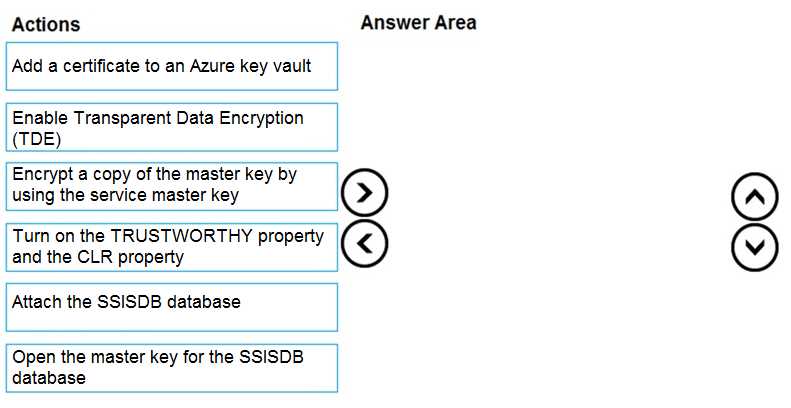
Yeah this matches what I've seen. Start by attaching SSISDB, then open the master key, re-encrypt DMK with the service master key (since you lost master db), finally set TRUSTWORTHY and CLR options. Pretty sure that's the right sequence after a master db loss, but if anyone's restored in prod and did it differently, let me know.
- Attach the SSISDB database
- Open the master key for the SSISDB database
- Encrypt a copy of the master key by using the service master key
- Turn on the TRUSTWORTHY property and the CLR property
I picked this order because you have to bring back the database first, then re-link encryption since the old SMK is gone, and only then can you enable the settings that let packages actually run. That matches how you'd recover in most SQL Server disaster guides. I think that's right here but open to correction.
