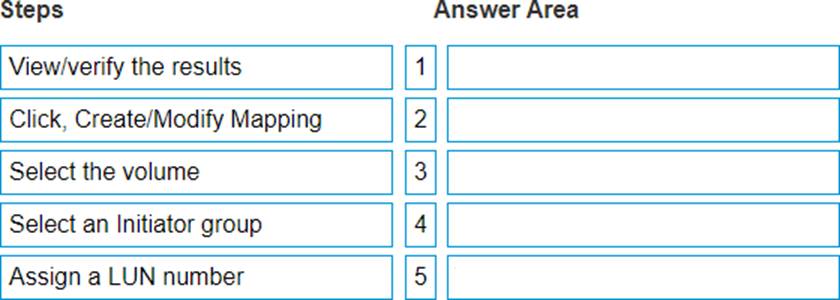
The correct sequence of steps to map a volume to a host using the XtremIO WebUI is as follows: Select the volume. Select an Initiator group. Click, Create/Modify Mapping. Assign a LUN number. View/verify the results. To map a volume to a host in the XtremIO WebUI, one must follow these specific steps in order: Select the volume: This step involves choosing the particular storage volume that needs to be mapped to a host. Select an Initiator group: An initiator group contains one or more initiators (hosts) that are allowed access to the storage volumes; selecting this groups which host will have access. Click, Create/Modify Mapping: This action will open up options for mapping which include creating new mappings or modifying existing ones. Assign a LUN number: A Logical Unit Number (LUN) is assigned so that the host can identify and communicate with this particular volume. View/verify the results: After mapping, it’s crucial to verify if the process was successful and if the correct mappings are in place. This sequence ensures proper configuration and communication between storage volumes and hosts within an XtremIO system1.

 .
.