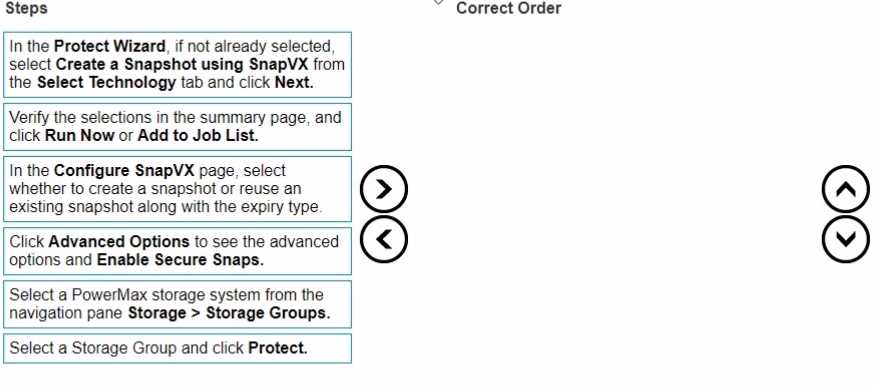
Dell Unisphere for PowerMax Online Help Documentation: The procedure for creating a storage group snapshot is detailed within the product's official help files. The steps consistently follow the sequence of selecting the storage group, launching the Protect Data wizard, choosing SnapVX as the technology, configuring snapshot options (including secure snaps in the advanced section), and finally, reviewing and running the job. This directly validates the ordered steps.
Dell PowerMax and VMAX All Flash: TimeFinder SnapVX Local Replication (White Paper): This document describes the capabilities and operations of SnapVX. While not a step-by-step GUI guide, it explains the concepts underlying the wizard's options. For instance, it details the creation of snapshots for a storage group and the "secure snaps" feature, confirming that enabling this is a configuration option within the snapshot creation process. This supports the placement of the "Enable Secure Snaps" step after initiating the snapshot configuration.