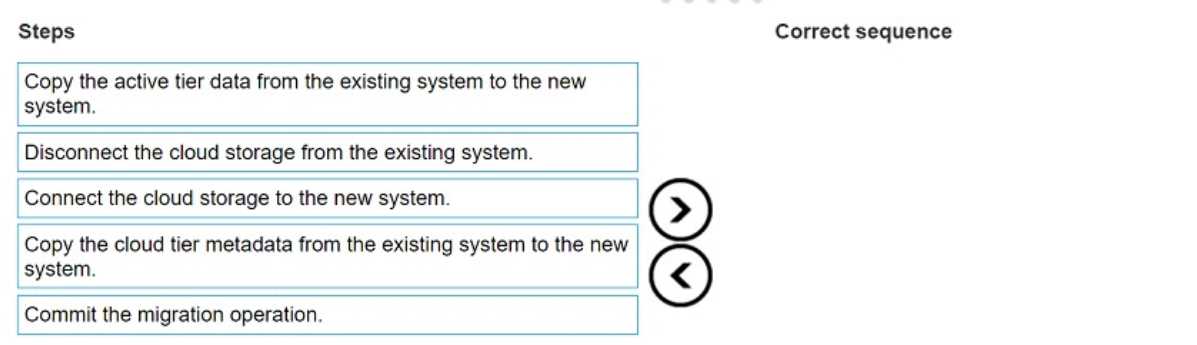
The correct sequence to perform Cloud Tier migration is as follows:
Copy the active tier data from the existing system to the new system.
Disconnect the cloud storage from the existing system.
Connect the cloud storage to the new system.
Copy the cloud tier metadata from the existing system to the new system.
Commit the migration operation.
Copy Active Tier Data: Start by transferring active tier data from the current system to the new
PowerProtect DD system. This step ensures that primary data is accessible on the new appliance.
Disconnect Cloud Storage: Once the active tier data is copied, disconnect the cloud storage from the
original system to prepare it for reconnection.
Connect Cloud Storage to New System: Attach the cloud storage to the new system. This step
transitions cloud storage access from the old to the new appliance, preparing it for continued
operations.
Copy Cloud Tier Metadata: Metadata associated with the cloud tier is copied to the new system,
ensuring continuity of data access and management in the cloud tier.
Commit Migration Operation: Finally, complete the migration process by committing the changes,
solidifying the new system as the primary appliance for both active and cloud tier operations.
This ordered approach ensures a structured and reliable migration process, maintaining data
integrity and continuity across PowerProtect DD systems.