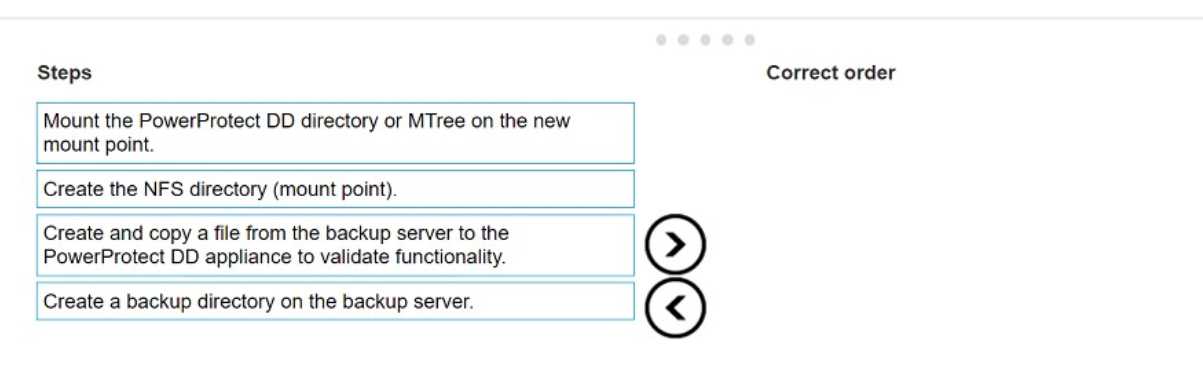
The correct order of steps to create a mount on a backup server and copy a test file to a
PowerProtect DD appliance over NFS is as follows:
Create the NFS directory (mount point).
Create a backup directory on the backup server.
Mount the PowerProtect DD directory or MTree on the new mount point.
Create and copy a file from the backup server to the PowerProtect DD appliance to validate
functionality.
Create the NFS Directory (Mount Point): The first step is to set up the NFS directory or mount point
on the backup server. This directory will serve as the destination where the PowerProtect DD
appliance will be mounted.
Create a Backup Directory on the Backup Server: Once the mount point is ready, create a dedicated
directory on the backup server to store backups. This directory structure helps organize data and
ensures backups are written to the correct location.
Mount the PowerProtect DD Directory or MTree on the New Mount Point: Use the NFS protocol to
mount the specified PowerProtect DD directory (or MTree) onto the created mount point. This step
establishes the connection between the backup server and the PowerProtect DD appliance.
Create and Copy a File from the Backup Server to the PowerProtect DD Appliance to Validate
Functionality: Finally, to confirm that the mount is correctly configured and functional, create a test
file on the backup server and copy it to the PowerProtect DD appliance. This test ensures that the
server can write data to the appliance over the NFS mount.
This ordered sequence ensures a successful setup of the mount and verifies the connectivity and
functionality of the NFS configuration on the PowerProtect DD system.