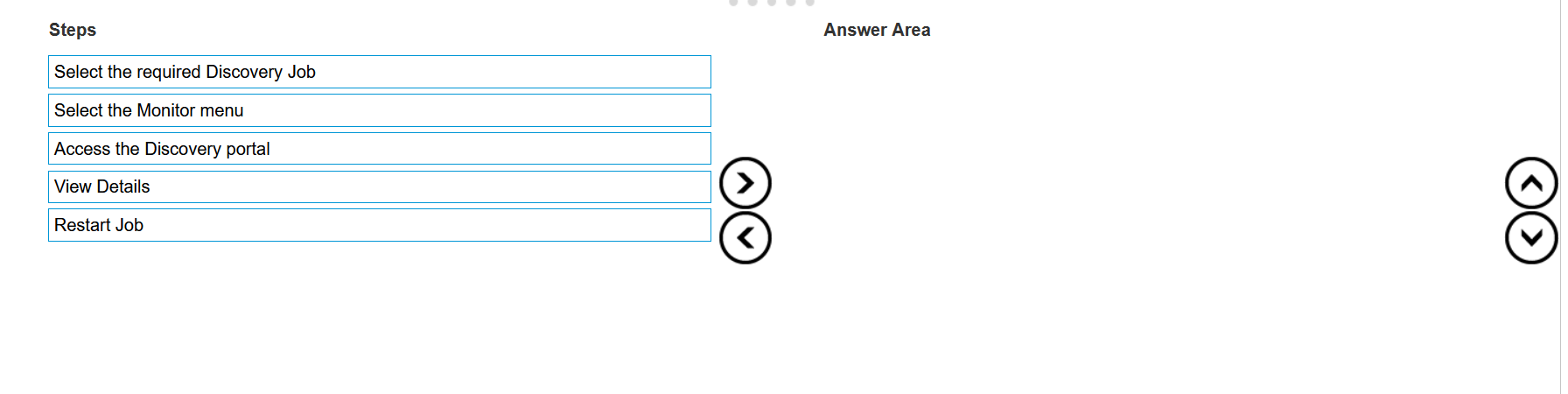
The steps required to restart a previously stopped Discovery Job in OpenManage Enterprise are:
Select the required Discovery Job: Identify and select the Discovery Job that you wish to restart.
Select the Monitor menu: Navigate to the Monitor menu within the OpenManage Enterprise
interface.
Access the Discovery portal: Within the Monitor menu, find and access the Discovery portal.
View Details: In the Discovery portal, locate the specific Discovery Job and view its details.
Restart Job: Finally, use the option provided to restart the selected Discovery Job.
The process to restart a Discovery Job typically involves navigating through the OpenManage
Enterprise interface to locate the specific job and initiating a restart. The steps are based on standard
procedures for managing Discovery Jobs within the OpenManage Enterprise system. For detailed
instructions and best practices, refer to the official Dell OpenManage Enterprise User Guide, which
provides comprehensive guidance on managing Discovery Jobs, including starting, stopping, and
restarting jobs as needed.
=========================