
Q: 2
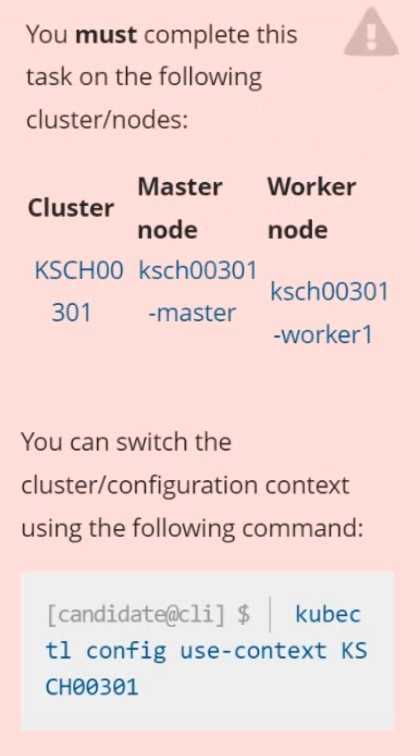 Context
Your organization’s security policy includes:
ServiceAccounts must not automount API credentials
ServiceAccount names must end in "-sa"
The Pod specified in the manifest file /home/candidate/KSCH00301 /pod-m
nifest.yaml fails to schedule because of an incorrectly specified ServiceAccount.
Complete the following tasks:
Task
1. Create a new ServiceAccount named frontend-sa in the existing namespace q
a. Ensure the ServiceAccount does not automount API credentials.
2. Using the manifest file at /home/candidate/KSCH00301 /pod-manifest.yaml, create the Pod.
3. Finally, clean up any unused ServiceAccounts in namespace qa.
Context
Your organization’s security policy includes:
ServiceAccounts must not automount API credentials
ServiceAccount names must end in "-sa"
The Pod specified in the manifest file /home/candidate/KSCH00301 /pod-m
nifest.yaml fails to schedule because of an incorrectly specified ServiceAccount.
Complete the following tasks:
Task
1. Create a new ServiceAccount named frontend-sa in the existing namespace q
a. Ensure the ServiceAccount does not automount API credentials.
2. Using the manifest file at /home/candidate/KSCH00301 /pod-manifest.yaml, create the Pod.
3. Finally, clean up any unused ServiceAccounts in namespace qa.Your Answer
Discussion
Looks straightforward. You just need to create frontend-sa in qa with automountServiceAccountToken: false. Then update the pod manifest to use that SA, apply it, and finally delete any other SAs not ending with -sa. Pretty sure that's what they're after.
Had something like this in a mock, it's bash with kubectl and yaml edits for the ServiceAccount naming.
Pretty typical CKS cleanup scenario, saw something like it on practice. You need to use kubectl and maybe a bit of yaml editing. Official docs and some hands-on labs cover this type of pod+ServiceAccount workflow well.
Yeah, only clean up unused ServiceAccounts in qa, not every one missing -sa.
Ugh, another one of these cleanup gotchas. The answer is to create frontend-sa with automountServiceAccountToken: false, patch the pod manifest so it uses that new SA, then delete only ServiceAccounts in qa that aren’t referenced by any pod. People on practice exams mess this up by deleting more than they should. Double-check before removing SAs!
frontend-sa, automountServiceAccountToken: false. The trap is deleting all SAs without -sa but the question says only unused ones. Pretty sure that's what they want, but anyone disagree?
Makes sense, just the old unused ServiceAccount should go.
Nah, you shouldn't just nuke every ServiceAccount not ending in -sa. Only the unused ones, otherwise you could break workloads.
You have to watch for ServiceAccounts still being referenced. Only delete the truly unused ones, not all that lack -sa.
Nice breakdown! I'd just use kubectl get serviceaccounts -n qa and double-check which ones aren't in use before deleting. Only clean up unused SAs, doesn't matter if they don't have -sa at the end if they're still actively referenced. That's how I'd play it, but open to other takes!
Be respectful. No spam.
