Q: 1
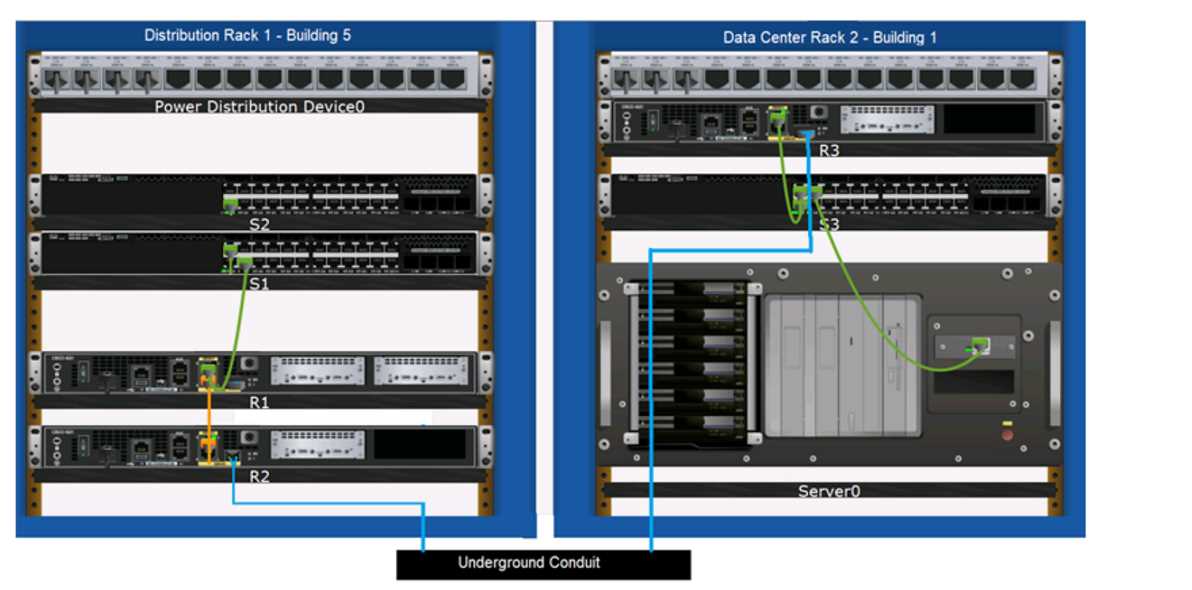
A support technician examines the front panel of a Cisco switch and sees 4 Ethernet cables
connected in the first four ports. Ports 1, 2, and 3 have a green
LED. Port 4 has a blinking green light.
What is the state of the Port 4?
Options
Discussion
C tbh, Cisco's LED logic is always inconsistent across models but blinking green is activity every time I see it.
Maybe B on this one. I always thought a blinking green LED could hint at some link instability or issues, especially if it’s not specified that the blink is regular. Some docs use blinking to show both activity and errors. Not 100 percent, but curious if anyone’s seen B in practice.
C , blinking green on Cisco switches just shows there's activity on the port. If it were amber or flashing orange, then I'd consider a fault. Solid green usually means link up but idle. Could be model-specific but pretty sure C is right.
Its C
Nah, I don’t think it’s B. C fits better since blinking green is how Cisco shows port activity, not a problem state. B always trips people up here but it's a distractor. Anyone seen otherwise on newer models?
This looks like one from my exam last year in practice, always marked C for blinking green (shows active traffic on Cisco switches).
Blinking green LED just shows port activity on Cisco, so C is right. Solid green would mean link up but no traffic. Pretty sure that's what they want here, let me know if you see different behavior on other series.
Likely C, since blinking green is how Cisco shows port activity. B is tricky but usually means something's wrong, not just normal traffic.
Probably C. Straightforward question, the blinking green is classic for active traffic on Cisco switches. Like how clear this one is.
Be respectful. No spam.


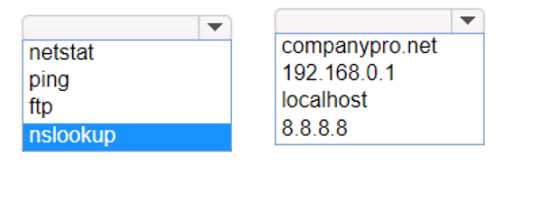
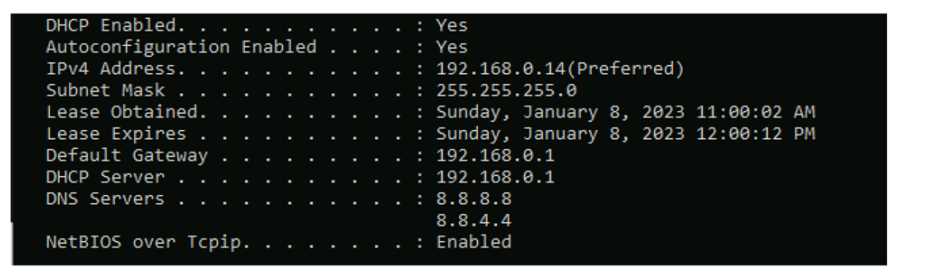 Which command should you use? Complete the command by selecting the correct options from each drop-down lists.