
Q: 2
SIMULATION
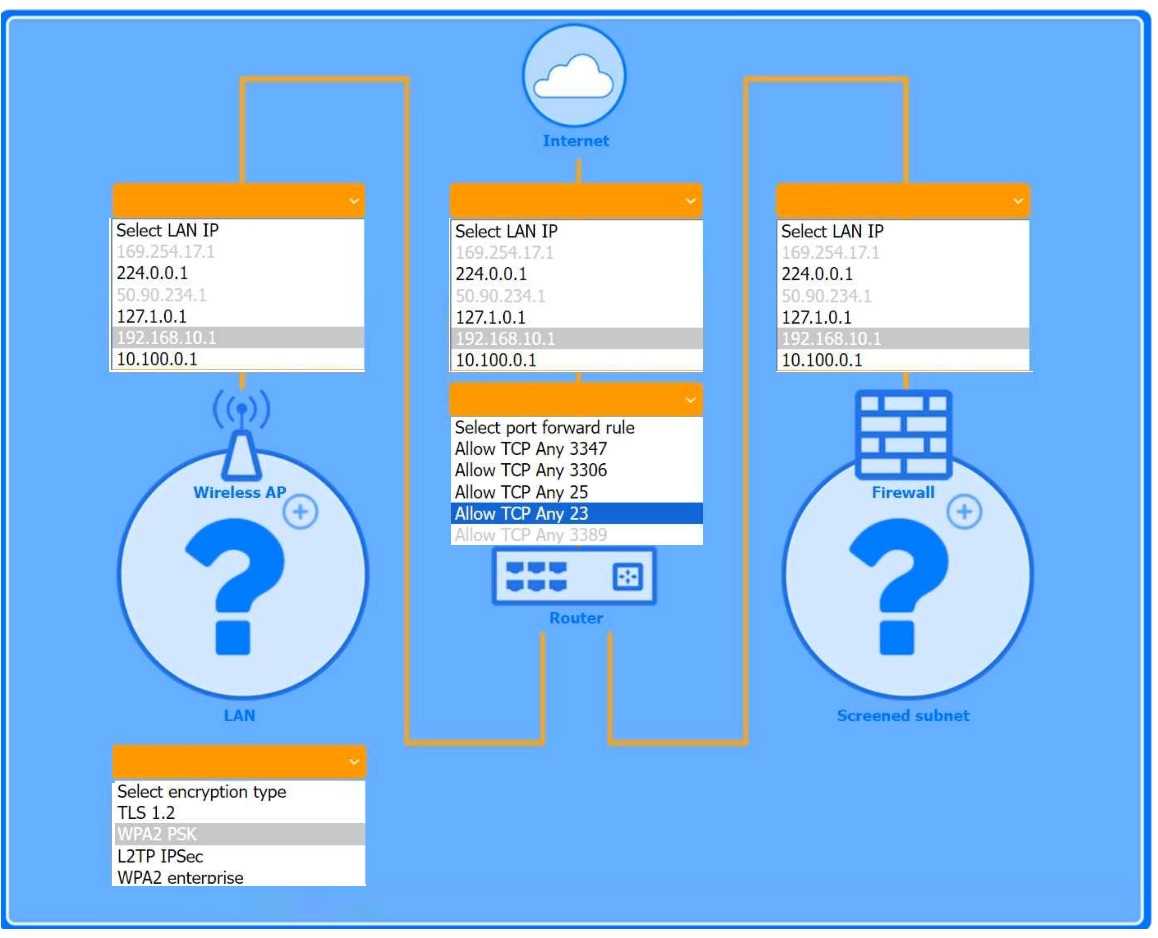
You are configuring a home network for a customer. The customer has requested the ability to access
a Windows PC remotely, and needs all chat and optional functions to work in their game console.
INSTRUCTIONS
Use the drop-down menus to complete the network configuration for the customer. Each option may
only be used once, and not all options will be used.
Then, click the + sign to place each device in its appropriate location.
If at any time you would like to bring back the initial state of the simulation, please click the Reset All
button.
Wireless AP LAN
 Firewall Screened Subnet
 Firewall Screened Subnet
Your Answer
Discussion
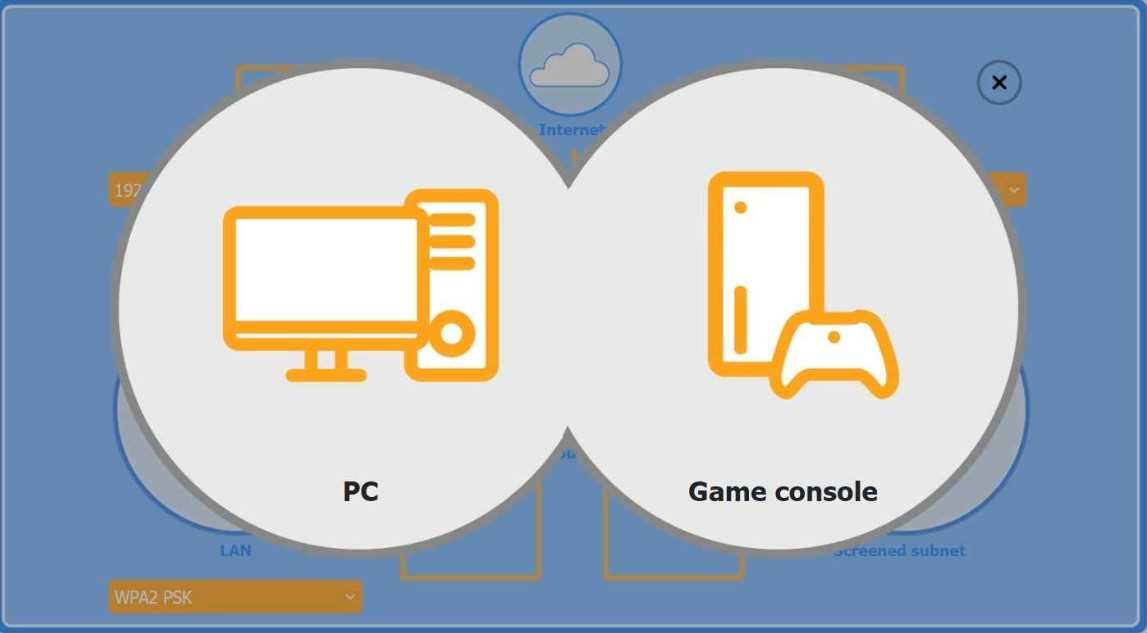
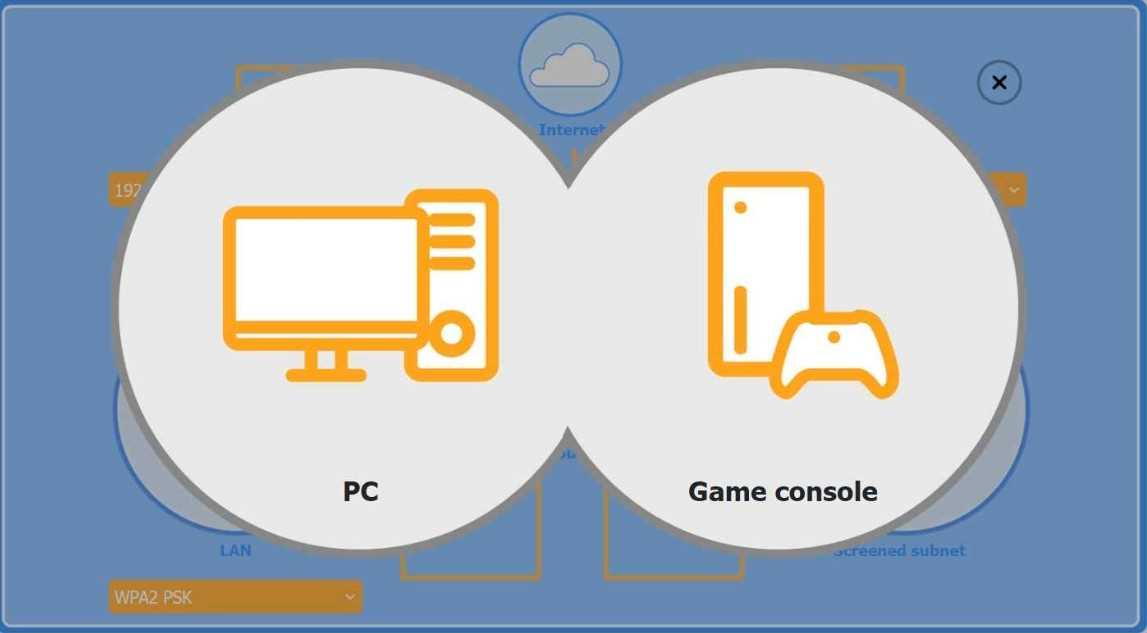
PC goes in LAN since you want remote RDP, and the game console should be in the screened subnet (DMZ) with UPnP enabled for all its chat/gaming features to work right. That’s what most practice questions seem to expect. Not 100% sure, but this fits the requirements.
Windows PC in Wireless LAN, game console in screened subnet with UPnP and RDP port forwarding. Saw similar question in recent practice.
Not quite, the trap is putting the console in LAN. Screened subnet with UPnP for the console.
Nah, console in the LAN trips up some game and chat functions. Screened subnet is right.
Yeah, that's right: PC in LAN, console in screened subnet with UPnP and RDP for the PC.
Game consoles usually need UPnP to handle all the weird ports for voice and multiplayer, so putting it in the screened subnet with UPnP makes sense here. The Windows PC goes in LAN with RDP port forwarded. Pretty sure that's the right setup unless the console needs more isolation.
That matches what I've seen. PC gets remote RDP in LAN, console in screened subnet using UPnP for chat/gaming.
Windows PC LAN, game console screened subnet with UPnP, RDP port for PC.
Console goes in the LAN this time, since UPnP sometimes works even behind typical home NAT if you set port forwarding. Pretty sure that's close enough for most games and chat (though a few could break). RDP to PC still forwarded from outside. Maybe not perfect but covers most use cases unless DMZ is specifically required. Disagree?
I'd put both the Windows PC and game console into the LAN to keep things simple. Just port forward RDP for the PC, then open UPnP for the console on that same network. I think that's how a lot of home setups work, but maybe I'm missing a reason for using the DMZ.
Be respectful. No spam.
