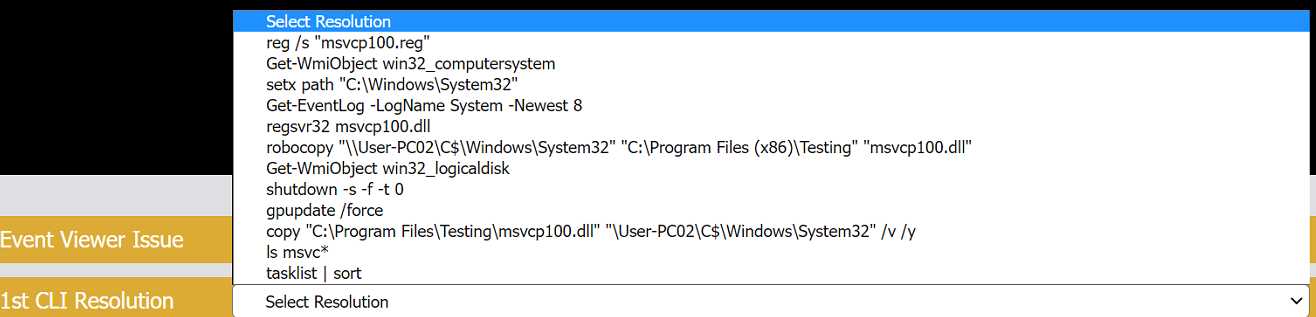
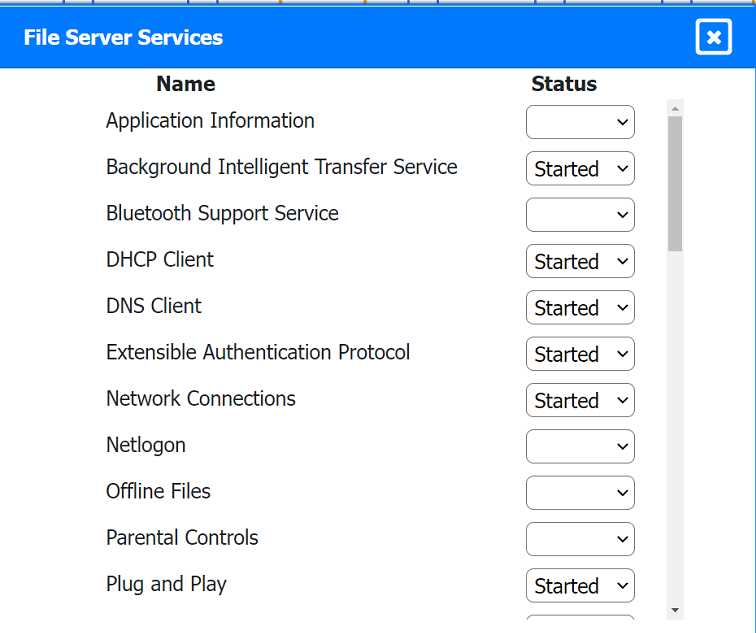
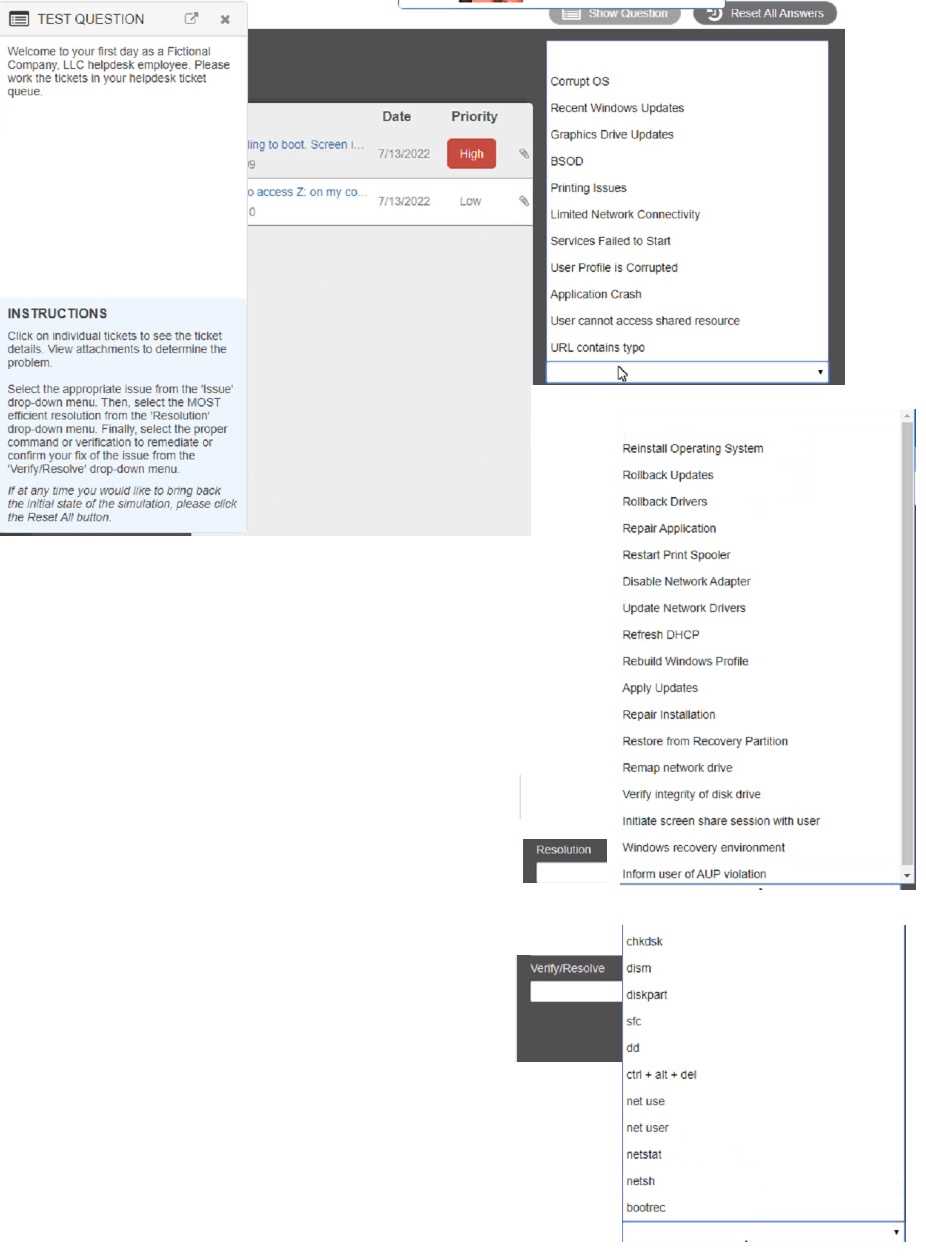
below.
Explanation:
Classification: a) Phishing
This email is a phishing attempt, as it tries to trick the user into clicking on a malicious link that could
compromise their account or personal information. Some suspicious items in this email are:
The email has a generic greeting and does not address the user by name.
The email has spelling errors, such as “unusal” and “Locaked”.
The email uses a sense of urgency and fear to pressure the user into clicking on the link.
The email does not match the official format or domain of the IT Help Desk at CompTIA.
The email has two black bat icons, which are not related to CompTIA or IT support.
The appropriate resolution for this email is
A. Report email to Information Security. The user should not click on the link, reply to the email, or
provide any personal or account information. The user should forward the email to the Information
Security team or use a professional email form to report the phishing attempt. The user should also
delete the email from their inbox and trash folder.
The suspicious items to select are:
b) From address
d) Hyperlinks
These items indicate that the email is not from a legitimate source and that the link is potentially
malicious. The other items are not suspicious in this case, as the to address is the user’s own email
and there are no attachments.
https://kxbjsyuhceggsyvxdkof.supabase.co/storage/v1/object/public/file-images/CompTIA_220-1102_Dumps/page_254_img_1.jpg
Classification: b) Spam
This email is a spam email, as it is an unsolicited and unwanted message that tries to persuade the
user to participate in a survey and claim a reward. Some suspicious items in this email are:
The email offers a free wireless headphone as an incentive, which is too good to be true.
The email does not provide any details about the survey company, such as its name, address, or
contact information.
The email contains an external survey link, which may lead to a malicious or fraudulent website.
The email does not have an unsubscribe option, which is required by law for commercial emails.
The appropriate resolution for this email is C. Unsubscribe. The user should look for an unsubscribe
link or button at the bottom of the email and follow the instructions to opt out of receiving future
emails from the sender. The user should also mark the email as spam or junk in their email client,
which will help filter out similar emails in the future. The user should not click on the survey link,
reply to the email, or provide any personal or financial information.
https://kxbjsyuhceggsyvxdkof.supabase.co/storage/v1/object/public/file-images/CompTIA_220-1102_Dumps/page_255_img_1.jpg
Classification: c) Legitimate
This email is a legitimate email, as it is from a trusted source and has a valid purpose. There are no
suspicious items in this email, as the from address, the to address, the attachment, and the email
body are all consistent and relevant. The appropriate resolution for this email is B. Perform no
additional actions. The user can open the attachment and review the orientation material as
instructed. The user does not need to report, unsubscribe, or delete this email.
https://kxbjsyuhceggsyvxdkof.supabase.co/storage/v1/object/public/file-images/CompTIA_220-1102_Dumps/page_255_img_2.jpg
Classification: a) Phishing
This email is a phishing attempt, as it tries to deceive the user into downloading and running a
malicious attachment that could compromise their system or data. Some suspicious items in this
email are:
The email has a generic greeting and does not address the user by name or username.
The email has an urgent tone and claims that a security patch needs to be installed immediately.
The email has an attachment named “patch1.exe”, which is an executable file that could contain
malware or ransomware.
The email does not match the official format or domain of CompTIA Information Security.
The appropriate resolution for this email is A. Report email to Information Security. The user should
not open the attachment, reply to the email, or provide any personal or account information. The
user should forward the email to the Information Security team or use a professional email form to
report the phishing attempt. The user should also delete the email from their inbox and trash folder.
https://kxbjsyuhceggsyvxdkof.supabase.co/storage/v1/object/public/file-images/CompTIA_220-1102_Dumps/page_256_img_1.jpg
https://kxbjsyuhceggsyvxdkof.supabase.co/storage/v1/object/public/file-images/CompTIA_220-1102_Dumps/page_257_img_1.jpg
Classification: c) Legitimate
This email is a legitimate email, as it is from a trusted source and has a valid purpose. There are no
suspicious items in this email, as the from address, the to address, and the email body are all
consistent and relevant. The appropriate resolution for this email is B. Perform no additional actions.
The user can reply to the email and thank the sender for the interview opportunity. The user does
not need to report, unsubscribe, or delete this email.
https://kxbjsyuhceggsyvxdkof.supabase.co/storage/v1/object/public/file-images/CompTIA_220-1102_Dumps/page_257_img_2.jpg

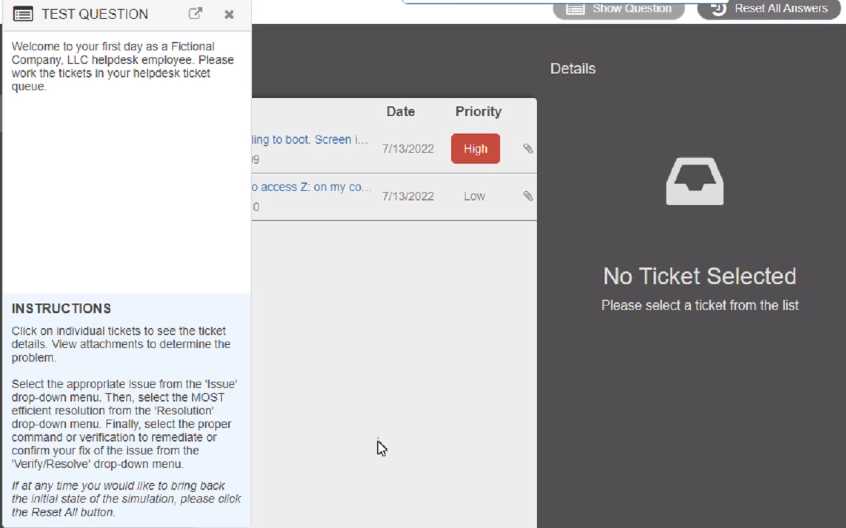

 Commands:
 Event Viewer:
 System Error: