1. Microsoft Corporation. (2023). Prepare for deployment with MDT. Microsoft Learn.
Section: "Prepare the Windows Deployment Services (WDS) server role"
Content: This official MDT documentation explicitly states
"Even though MDT can be used for Lite Touch deployments without WDS
if you want PXE boot support
you need to use WDS." It further details the steps to install and configure WDS for use with MDT
which is a prerequisite for network-based deployments like multicast.
2. Microsoft Corporation. (2023). Performing multicast deployments. Microsoft Learn.
Section: "Multicast deployments"
Content: This document describes the multicast functionality inherent to Windows Deployment Services. It explains
"By using multicast functionality
you can deploy an image to a large number of client computers without overburdening the network." This confirms WDS is the correct technology for multicast.
3. Microsoft Corporation. (2023). What is Multipath I/O (MPIO)?. Microsoft Learn.
Section: "Overview"
Content: This document defines MPIO as a framework to "provide a high-availability solution for storage." This confirms its purpose is related to storage redundancy
not OS deployment.

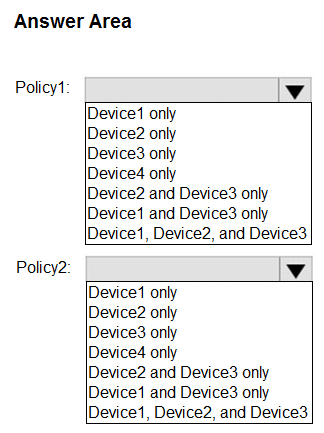
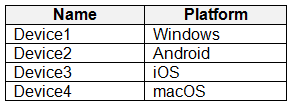 For which devices can you manage updates by using Intune?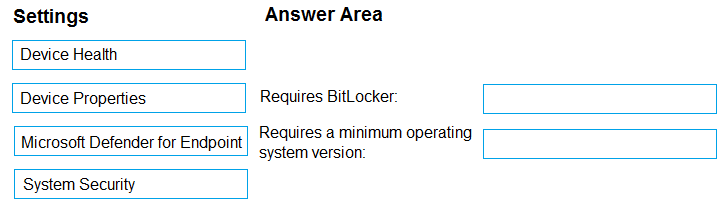
 You deploy the device compliance policy shown in the exhibit. (Click the Exhibit tab.)
 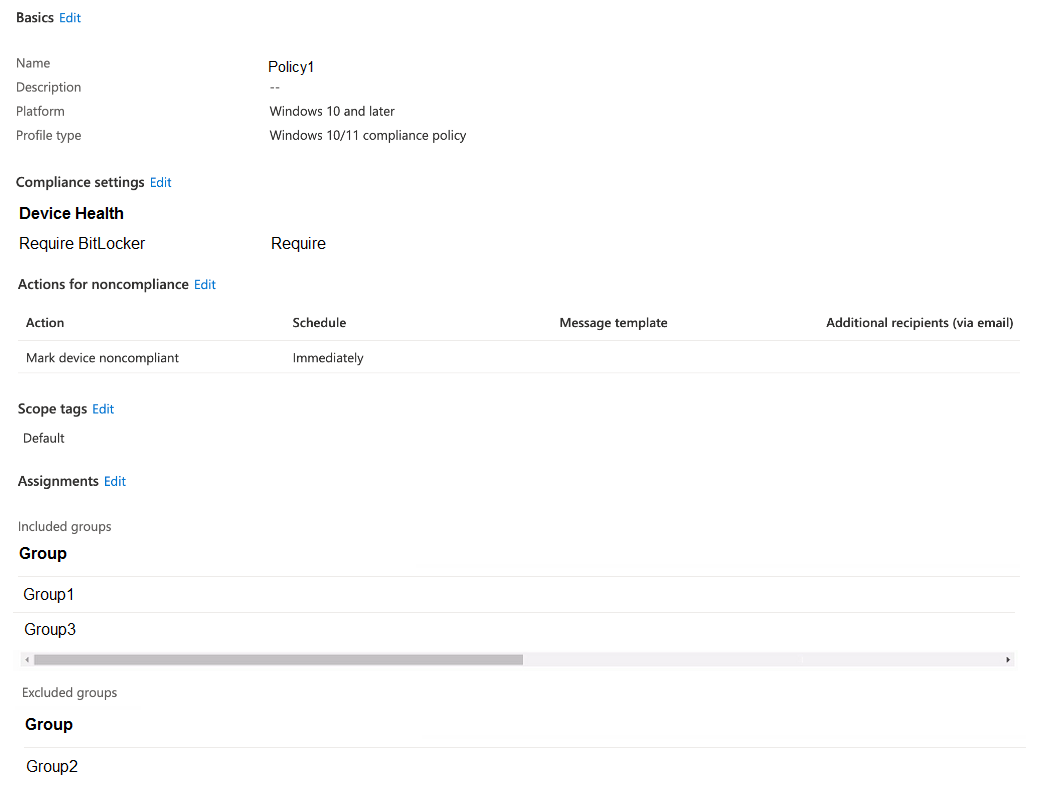 For each of the following statements, select Yes if the statement is true. Otherwise, select No.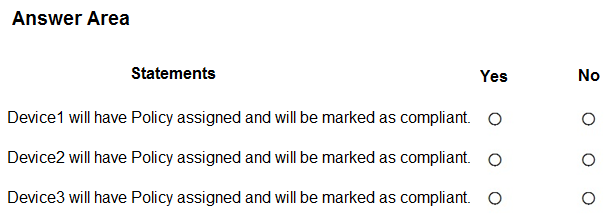
 User1 is the owner of Device1. You deploy Microsoft 365 Apps Windows 10 and later app types to Intune as shown in the following table.
  The next day you review the results of the app deployments. For each of the following statements, select Yes if the statement is true. Otherwise, select No.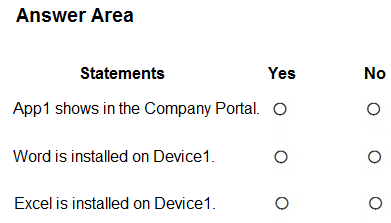
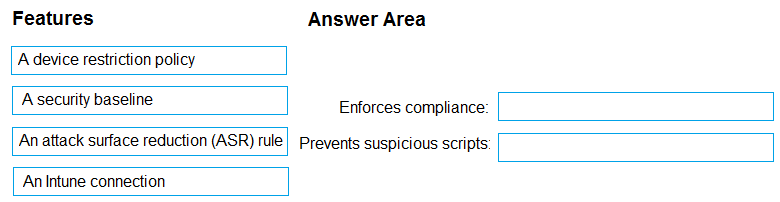
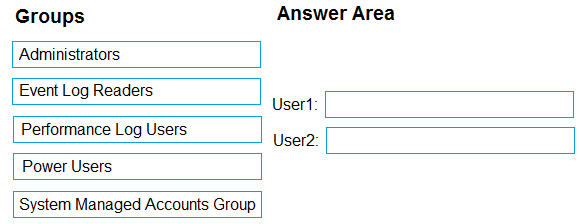
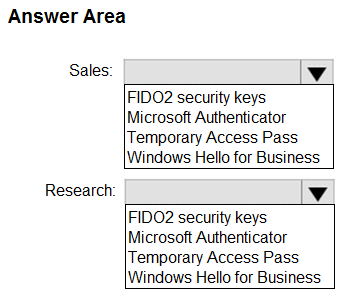
 The company has IT, human resources (HR), legal (LEG), marketing (MKG), and finance (FIN) departments. Contoso recently purchased a Microsoft 365 subscription. The company is opening a new branch office in Phoenix. Most of the users in the Phoenix office will work from home. Existing Environment - The network contains an Active Directory domain named contoso.com that is synced to Azure AD. All member servers run Windows Server 2016. All laptops and desktop computers run Windows 10 Enterprise. The computers are managed by using Microsoft Configuration Manager. The mobile devices are managed by using Microsoft Intune. The naming convention for the computers is the department acronym, followed by a hyphen, and then four numbers, for example FIN-6785. All the computers are joined to the on-premises Active Directory domain. Each department has an organizational unit (OU) that contains a child OU named Computers. Each computer account is in the Computers OU of its respective department. Intune Configuration - The domain has the users shown in the following table.
  User2 is a device enrollment manager (DEM) in Intune. The devices enrolled in Intune are shown in the following table.
 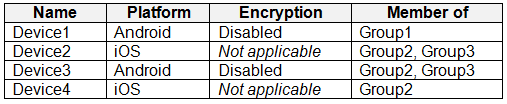 The device compliance policies in Intune are configured as shown in the following table.
  The device compliance policies have the assignments shown in the following table.
 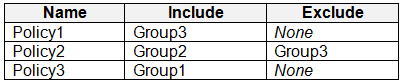 The device limit restrictions in Intune are configured as shown in the following table.
  Requirements - Planned changes - Contoso plans to implement the following changes: • Provide new computers to the Phoenix office users. The new computers have Windows 10 Pro preinstalled and were purchased already. • Implement co-management for the computers. Technical Requirements - Contoso must meet the following technical requirements: • Ensure that the users in a group named Group4 can only access Microsoft Exchange Online from devices that are enrolled in Intune. • Deploy Windows 10 Enterprise to the computers of the Phoenix office users by using Windows Autopilot. • Create a provisioning package for new computers in the HR department. • Block iOS devices from sending diagnostic and usage telemetry data. • Use the principle of least privilege whenever possible. • Enable the users in the MKG department to use App1. • Pilot co-management for the IT department. To which devices do Policy1 and Policy2 apply? To answer, select the appropriate options in the answer area.